INTERACTIVE PUZZLE GAME SOFTWARE

Interactive Puzzle Game Software for Events

Turn your event message into a challenge.

Give visitors something to solve—not just another screen to watch.

Technanosoft develops custom interactive puzzle game software that turns your campaign artwork, product visuals or event theme into a playable experience. Build a branded challenge for an exhibition stand, conference activity or employee event.

THE ART OF PARTICIPATION
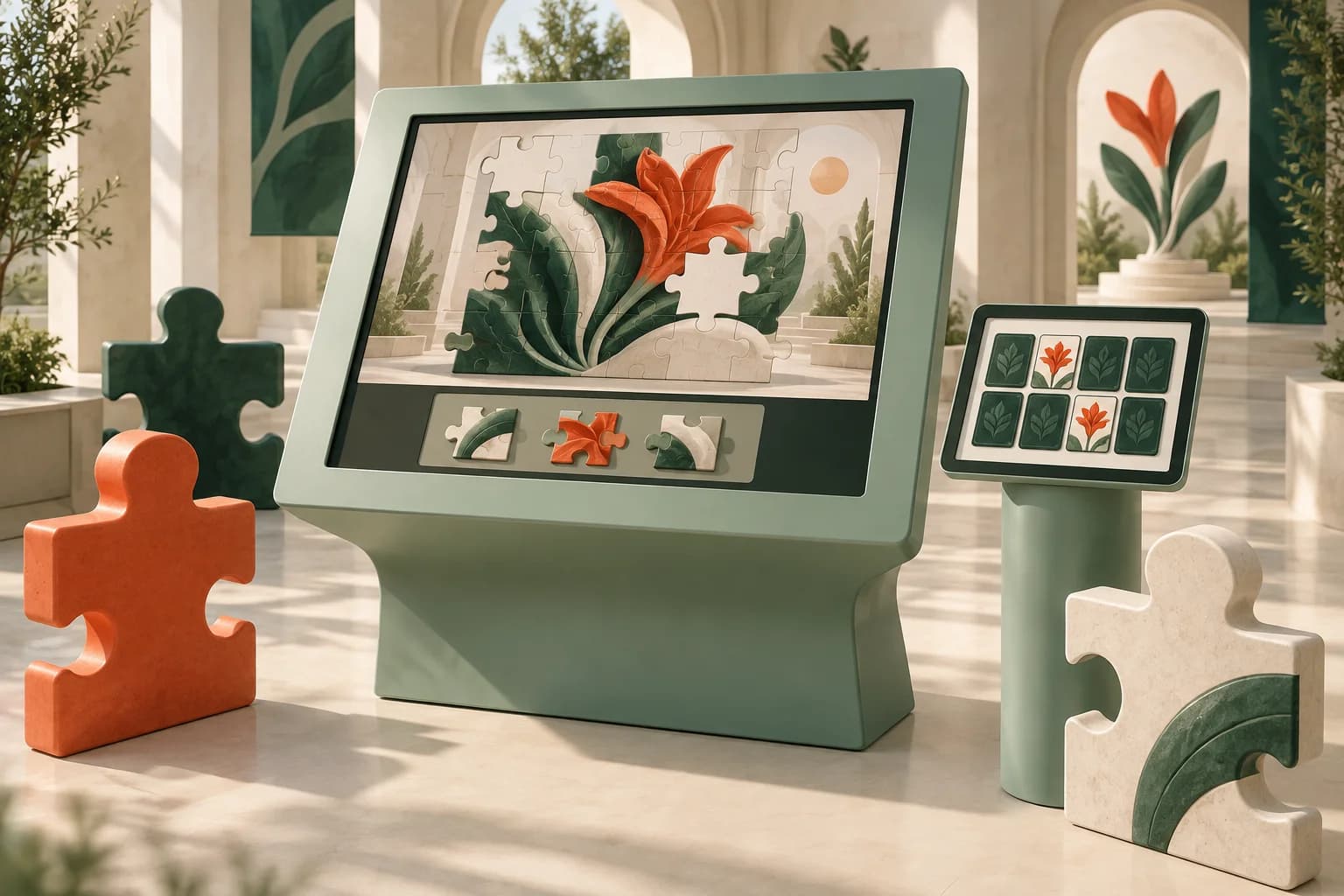
Concept illustration of a mint touchscreen puzzle kiosk with sculptural game pieces and a matching-game tablet.
01 See it.02 Solve it.03 Reveal it.
AI-generated concept illustration. Hardware and interface are illustrative.
YOUR ARTWORK. THEIR NEXT MOVE.

Custom game concepts, branded visuals and gameplay designed around your audience.

DESIGNED TO BE DISCOVERED

Make your brand
part of the puzzle.

Imagine a visitor arranging scattered tiles to reveal your new product. Matching images to explore your services. Or completing a visual challenge that finishes with your campaign message.

Your brand becomes part of what they do—not just a logo beside the activity.

We build interactive puzzle experiences around the story you want to tell, with straightforward instructions, suitable difficulty and a clear finish.

See the challenge. Solve the puzzle.
Discover the message.

FOUR WAYS TO PLAY

Choose how your guests
solve the challenge.

The following formats are options for a custom build. Select the mechanics that suit your content and audience rather than adding complexity for its own sake.

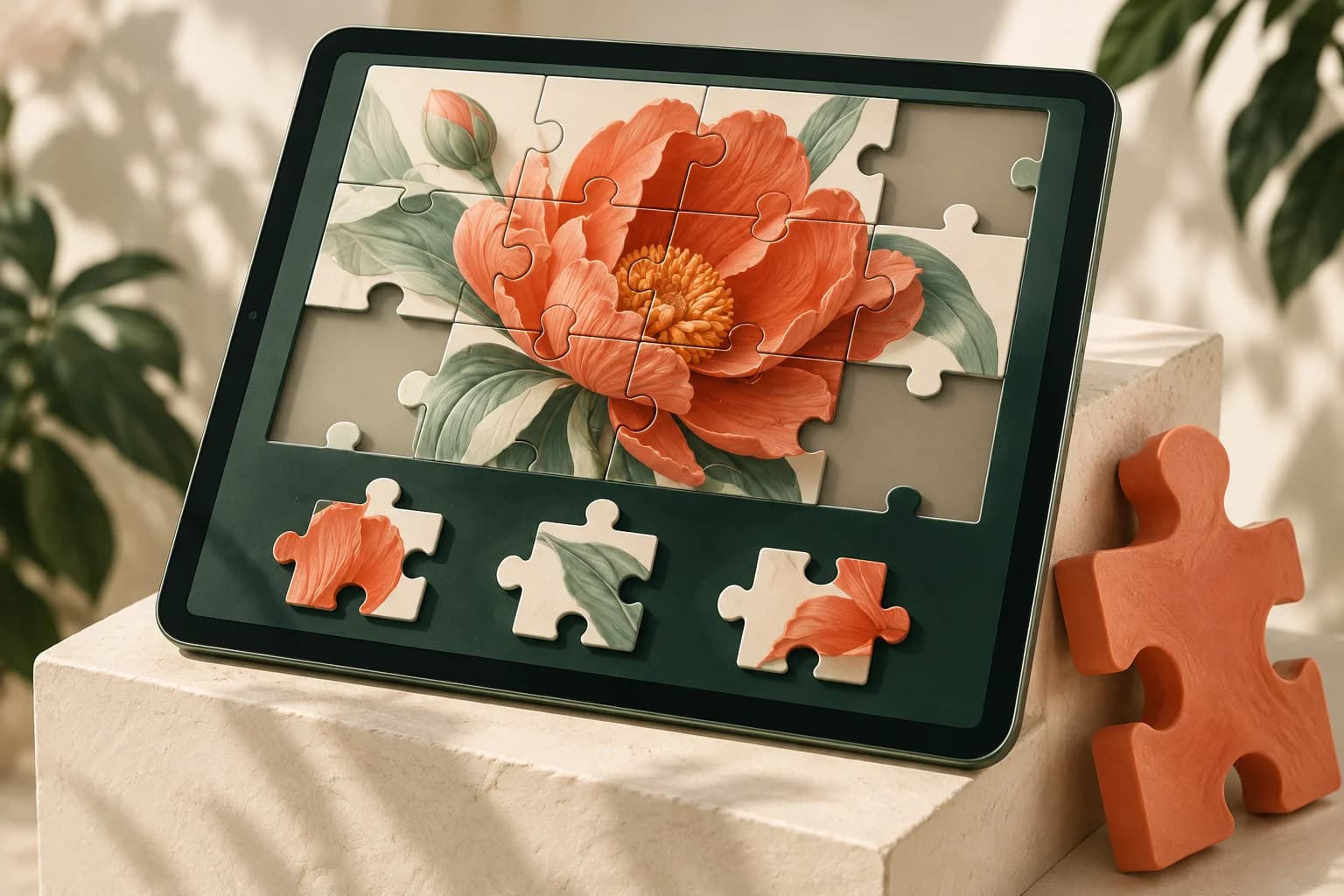
Concept illustration of campaign flower artwork assembled as an interlocking jigsaw on a touchscreen.01 / PLAYABLE CONCEPT
AI-generated concept illustration

ARRANGE / REVEAL

Branded Jigsaw Puzzles

Bring the picture together.

Divide campaign artwork, a product image or an event visual into pieces that participants arrange to complete the picture.

Use the final image as the reveal, with the number of pieces and placement rules tailored to the interaction. This format can make the artwork itself central to the activity.

Discuss Your Puzzle Game
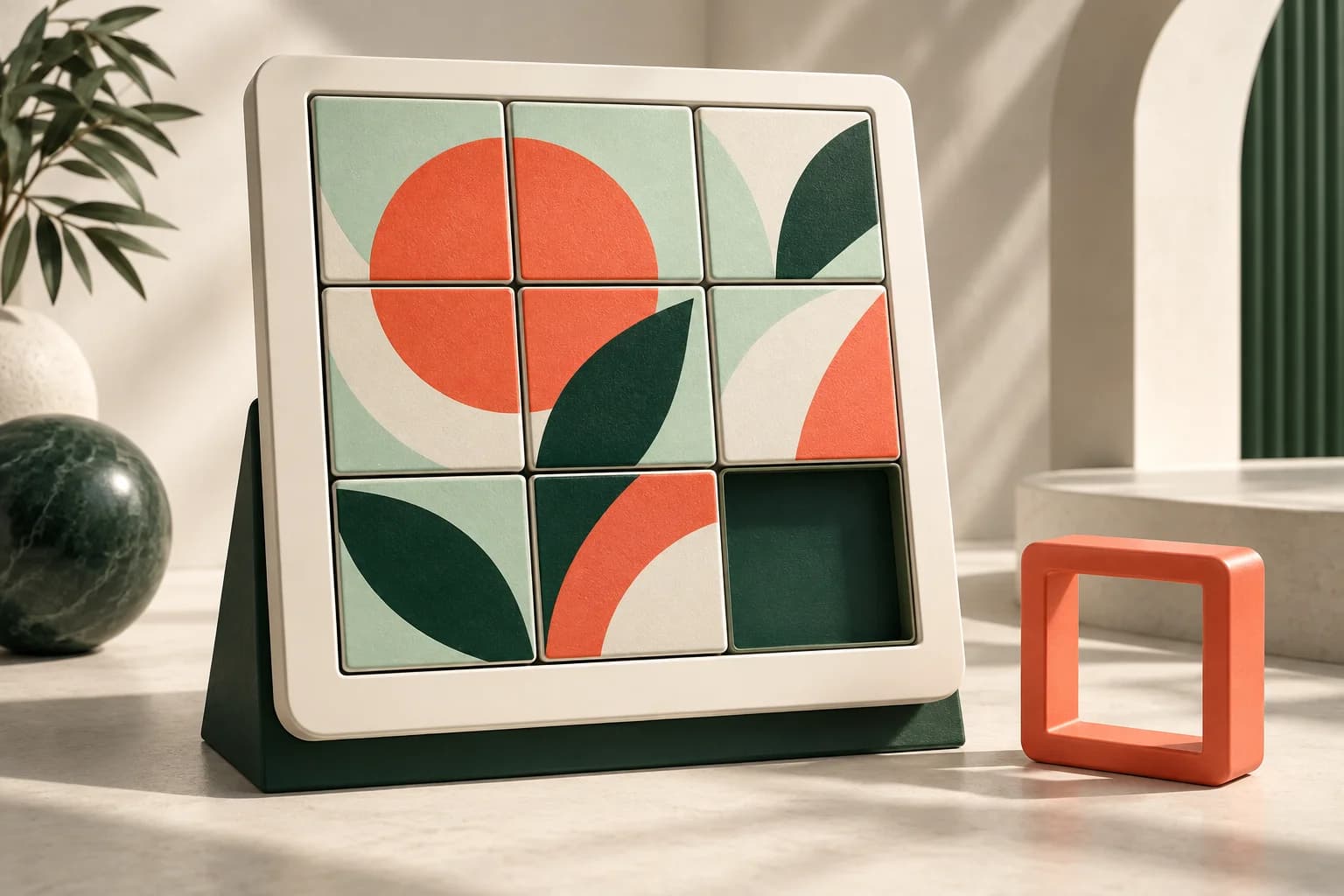
Concept illustration of eight image tiles and one empty space in a three-by-three sliding puzzle.02 / PLAYABLE CONCEPT
AI-generated concept illustration

MOVE / RESOLVE

Sliding Tile Puzzles

Find the right move.

Let participants move tiles through an empty space until the image or pattern is correctly arranged.

Build the challenge around a branded visual, with optional move counts and timing. Adjust the grid and starting arrangement to suit a short event interaction or a more demanding competition.

Discuss Your Puzzle Game
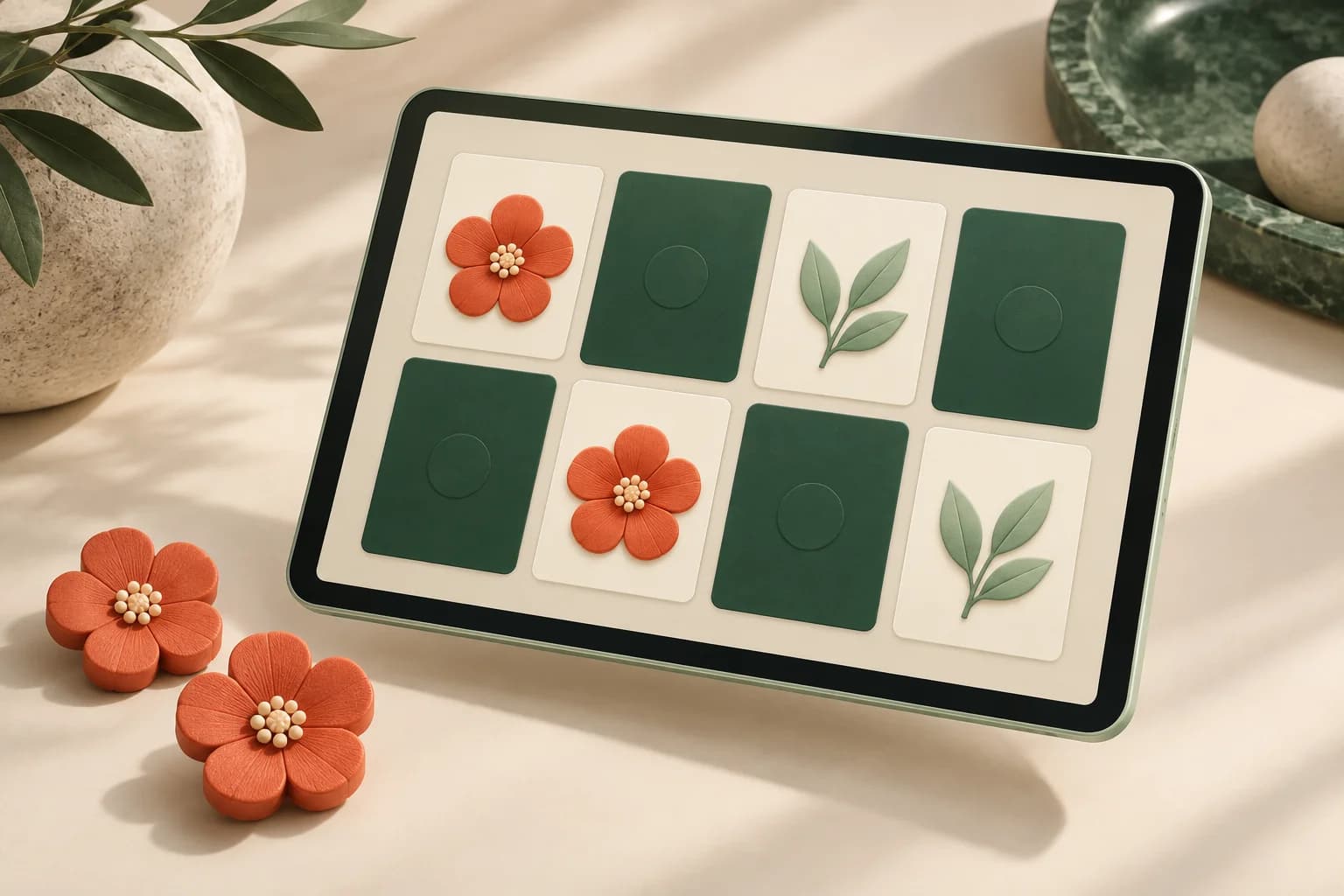
Concept illustration of a digital memory game with matching flower and leaf cards.03 / PLAYABLE CONCEPT
AI-generated concept illustration

UNCOVER / CONNECT

Picture-Matching Puzzles

Spot the connection.

Invite participants to uncover and match related images, symbols or product visuals.

Create a visual memory challenge using approved brand assets. The matching rules can stay simple for casual participation or introduce meaningful associations, such as connecting a product with its intended use.

Discuss Your Puzzle Game
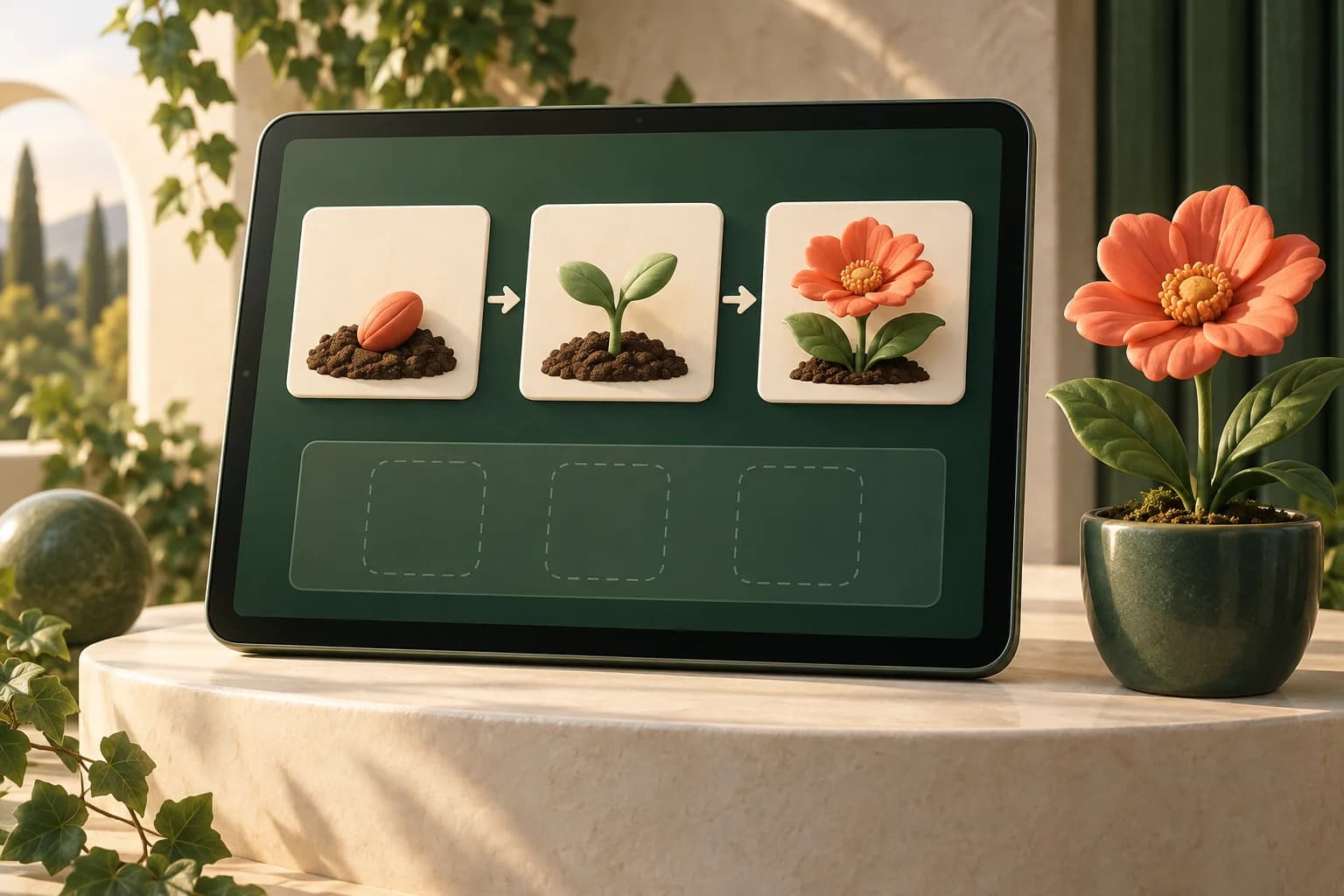
Concept illustration of a seed, sprout and flower arranged in a growth sequence on a touchscreen.04 / PLAYABLE CONCEPT
AI-generated concept illustration

ORDER / DISCOVER

Sequence & Logic Puzzles

Put the pieces in the right order.

Ask participants to arrange a process, connect related elements or complete a visual sequence.

This format can bring a product journey, service process or event theme into the activity. The challenge should be understandable without specialist knowledge unless it is deliberately designed for a trained audience.

Discuss Your Puzzle Game

THE PLAYER JOURNEY

From the first tap
to the final reveal.

The gameplay can be simple enough for a passing visitor or more challenging for a planned competition. The journey is designed around the time, space and audience available.

  1. 01

    Start the Challenge

    A welcome screen introduces the activity and explains the rules. Show guests what they need to complete, how to interact and whether the round has a time limit.

  2. 02

    Solve the Puzzle

    Guests move tiles, match images or arrange items according to the selected game format. Visual feedback helps them understand their progress without needing lengthy instructions.

  3. 03

    Reveal the Result

    Display the completed image, campaign message or challenge result. Where scoring is included, show the guest’s completion time, moves or points using the agreed rules.

  4. 04

    Prepare for the Next Player

    End with a clear finish screen and reset the game for the next participant. An optional leaderboard or prize instruction can extend the experience when relevant to your event.

Start the game Solve the challenge Reveal the result Reset for the next guest

BEHIND THE GAME / DFDs

Every move has
a clear data path.

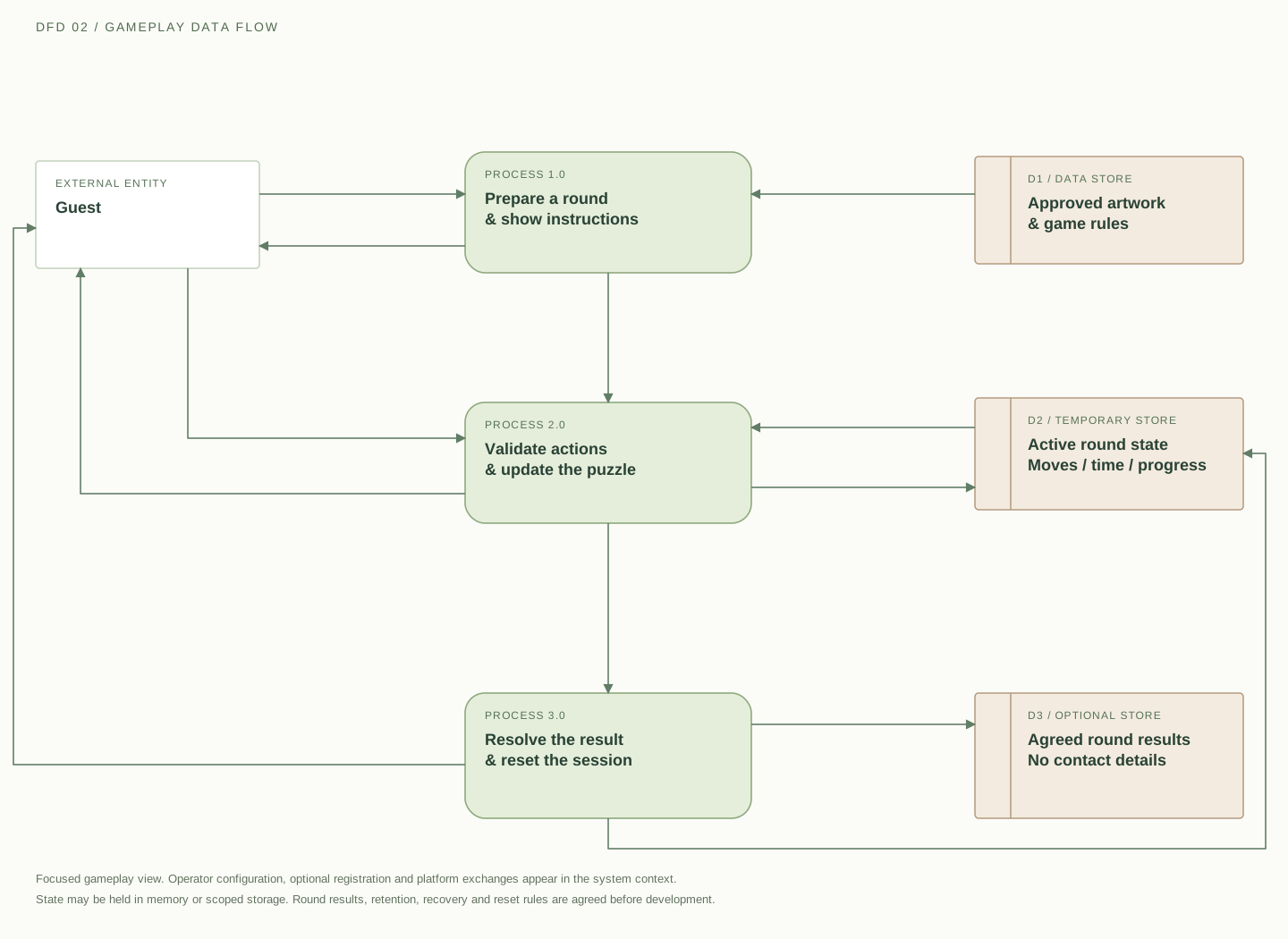
These illustrative data-flow diagrams explain a possible system design, from approved artwork and player actions to results and resets. Storage, scoring and integrations are agreed for your project.

Download SVG
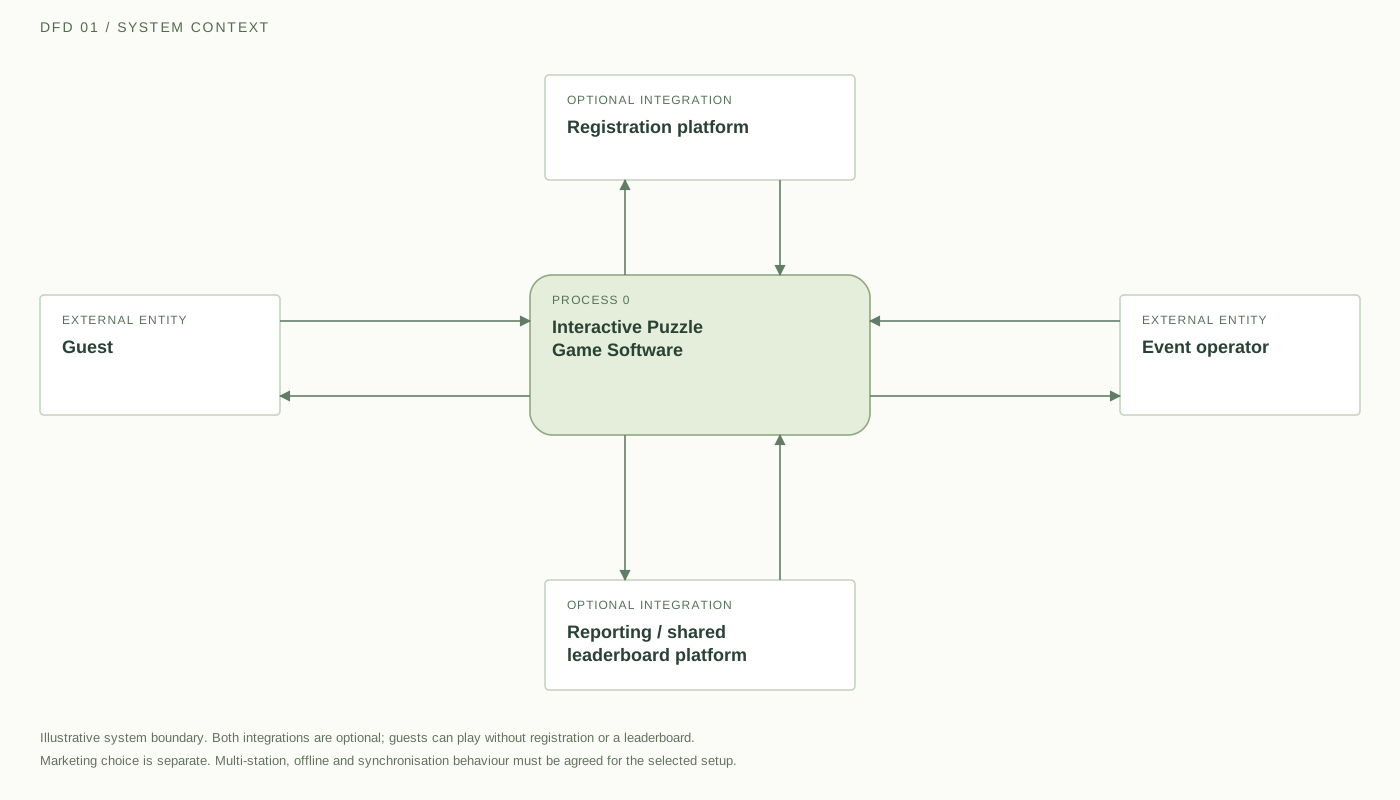
Data-flow diagram showing guest actions and operator configuration exchanged with puzzle software, plus optional registration and reporting integrations.

The guest starts a round, makes moves and receives instructions, feedback and results. The operator supplies artwork, rules and reset requests. If scoped, a registration platform receives the necessary details and separate permission choices; a reporting or leaderboard platform exchanges agreed gameplay results without contact details.

External entity Process Data store→ Labelled data flow
Open full size ↗

On smaller screens, scroll across the diagram or open it full size.

Playing can stay anonymous. Round state and gameplay results do not require a guest’s name or email. Registration, where needed, is a separate scoped workflow.

One agreed set of rules. Define valid moves, completion, timeouts, repeat attempts and ties before adding scoring or a shared leaderboard.

Reset is part of the design. Clear the active round for the next guest. Offline storage, reporting and synchronisation need an explicit plan.

FEATURES & CUSTOMISATION

Built for the player—
and the team running it.

Your project can include the following capabilities, with the final feature set agreed around the event brief.

Branding Within the Gameplay

Use your artwork, products, colours and campaign assets within the puzzle itself. Carry the same identity through the welcome screen, instructions, game interface and result display.

OPTION TO SCOPE

Adjustable Challenge Settings

Define the puzzle size, round duration, hints and difficulty. Create a brief walk-up activity or a structured challenge depending on how much time participants are expected to spend.

OPTION TO SCOPE

Clear Touchscreen Controls

Plan readable instructions, appropriately sized game elements and clear visual feedback. Design the interaction for the selected screen rather than simply enlarging a desktop game.

OPTION TO SCOPE

Scoring & Leaderboards

Include scoring when competition supports the experience. Agree whether results depend on completion, time, moves or a combination, along with tie-handling rules and what appears on the leaderboard.

OPTION TO SCOPE

Branded Completion Screens

Finish with the completed artwork, a campaign message or an agreed next step. A reward instruction can be included where your team has defined the prize rules and fulfilment process.

OPTION TO SCOPE

Operator Controls & Session Resets

Plan how staff start rounds, change settings, clear abandoned sessions and prepare the game for the next player. Include a recovery process for interrupted activities.

OPTION TO SCOPE

Optional Participation Reporting

Define the information organisers need, such as rounds started, puzzles completed or completion times. Keep gameplay reporting separate from optional personal-data collection.

OPTION TO SCOPE

Optional Registration or Contact Capture

Include a participant form only when it serves a clear event requirement. Decide which fields are necessary and provide a separate choice for marketing communications rather than making them an assumed part of playing.

OPTION TO SCOPE

THE RIGHT CHALLENGE, IN THE RIGHT PLACE

Make the challenge
fit the moment.

These examples illustrate possible applications, not previous client results.

01 /

Exhibitions & Trade Shows

Use a short product-themed puzzle as part of the stand experience. Keep the instructions visible and the round length suitable for visitors moving between exhibitors.

EXAMPLE CONCEPT

Arrange product-image tiles to reveal the featured product and its main message.

02 /

Brand Activations & Product Launches

Build the game around campaign artwork or a planned reveal. Let participants work towards discovering the image instead of showing the full message immediately.

EXAMPLE CONCEPT

Complete a branded jigsaw to reveal the launch visual.

03 /

Conferences & Business Summits

Add a puzzle activity to a breakout area or scheduled session. Connect the challenge with the conference theme while keeping it distinct from presentation content.

EXAMPLE CONCEPT

Match visual concepts introduced during the event.

04 /

Employee Events & Training Activities

Create a challenge around shared company knowledge, a process or an internal event theme. Choose individual participation or discuss a team-based format.

EXAMPLE CONCEPT

Arrange the steps of a familiar workflow in the correct order.

WHY TECHNANOSOFT

Your creative idea needs
more than a game screen.

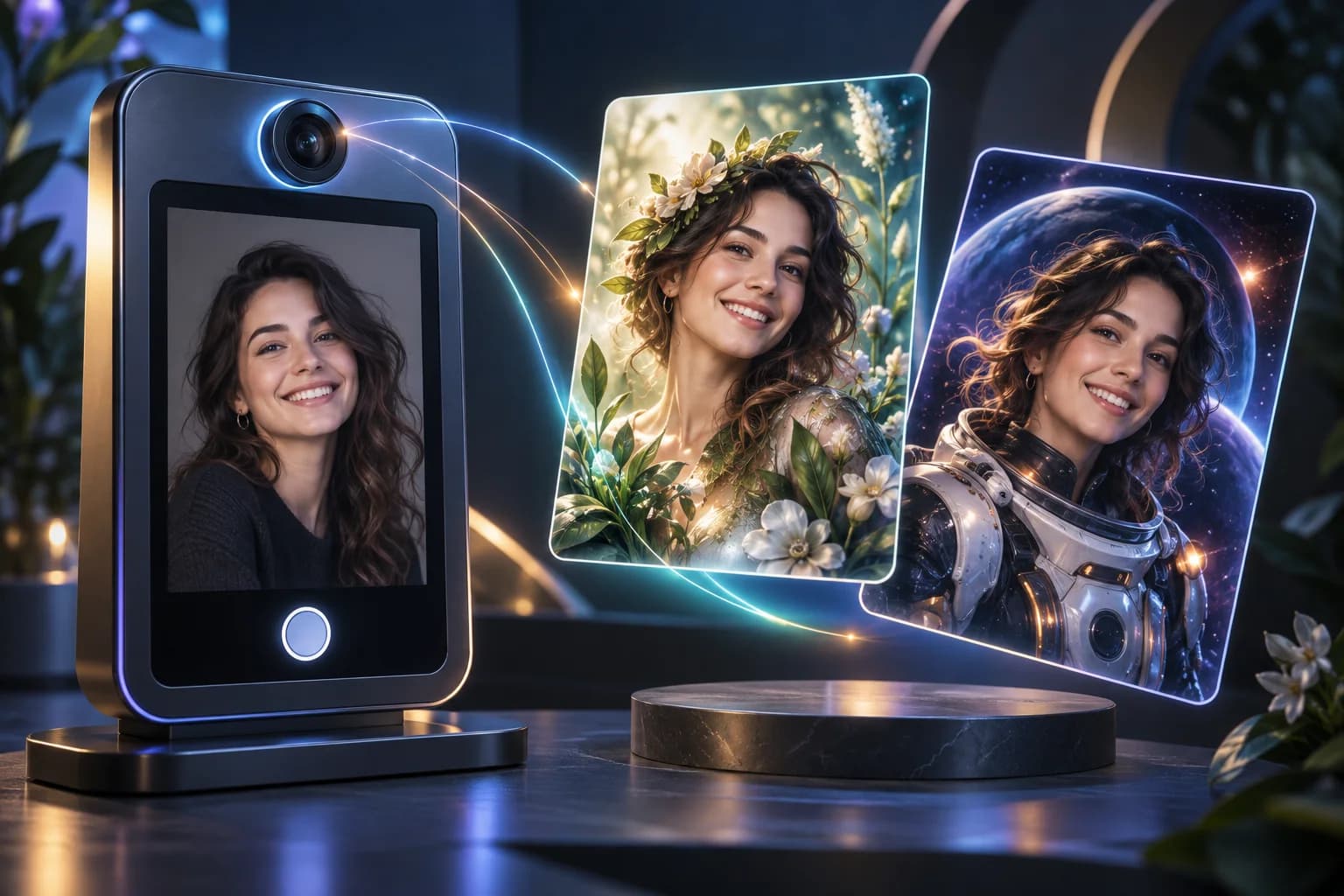
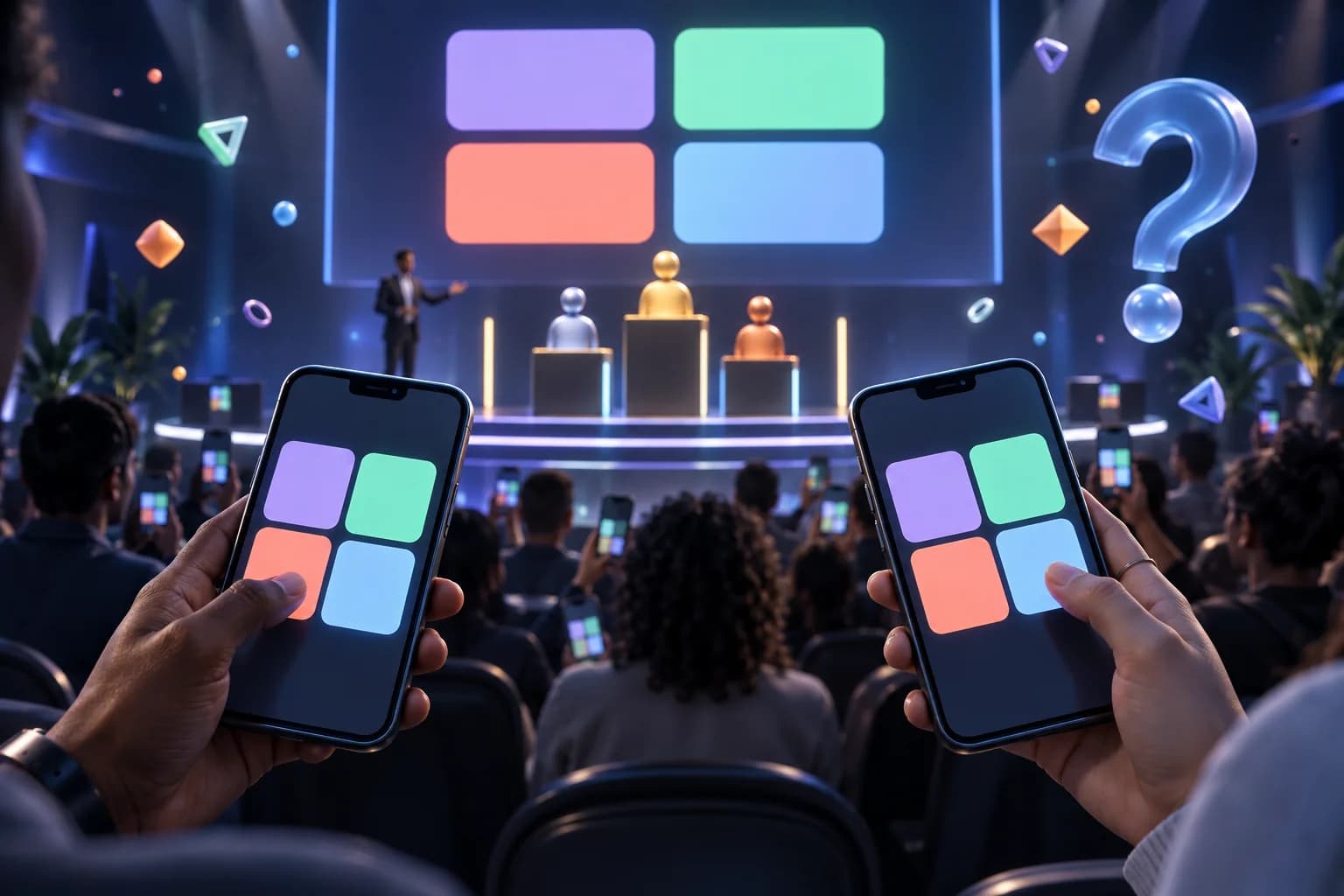
Technanosoft has delivered puzzle game software alongside other event applications, including selfie kiosks, AI photo booths, registration and badge printing, digital judging and live audience reactions.

We bring that project experience into discussions about the activity, the equipment and the people operating it.

Explore our event software
01

The Game Starts With Your Objective

Define what participants should see, understand or complete. Build the mechanics around that purpose rather than adding a generic game with a logo placed over it.

02

The Full Event Flow Matters

Plan the welcome screen, gameplay, result, abandoned sessions and resets together. The next participant’s experience should receive the same attention as the first player’s.

03

The Software Fits the Selected Setup

Agree the target device, input method, screen orientation and display requirements early. Test the puzzle on the intended setup before approving it for event use.

OUR DEVELOPMENT PROCESS

From campaign artwork
to a playable experience.

A finished puzzle is only part of the job. The complete activity needs to be clear to play and practical to run.

  1. 01

    Define the Challenge

    Share the event concept, audience, available space and intended participation format. Establish what guests should do and how the activity connects with your message.

  2. 02

    Design the Gameplay

    Select the puzzle format and map the complete journey. Agree the rules, difficulty, round length, result screen and any scoring or reward requirements.

  3. 03

    Build and Brand the Software

    Develop the game, participant screens and agreed operator controls. Add approved artwork and connect any required reporting or registration workflows.

  4. 04

    Test the Event Setup

    Review touch accuracy, instructions, puzzle difficulty, scoring and resets on the selected equipment. Test interrupted rounds and other recovery steps before the event.

BEFORE WE BUILD

Questions About
Interactive Puzzle Game Software

Practical answers for planning the activity.

Discuss Your Puzzle Game
01What is interactive puzzle game software?

Interactive puzzle game software lets participants solve visual or logical challenges on a digital screen. For events, the puzzle can incorporate campaign artwork, product images or themed content, with branded instructions and completion screens.

The exact game mechanics are selected for the intended audience and setting.

02Can the puzzle use our product images and campaign artwork?

Yes. Approved images and brand assets can form part of the puzzle and surrounding interface.

The artwork should be reviewed for the chosen format. An image that works well as a poster may need adjustments to remain understandable when divided into tiles or displayed as matching cards.

03How is a puzzle game different from a quiz game?

A puzzle usually asks participants to arrange, match, connect or solve visual elements. A quiz asks them to answer questions.

Choose a puzzle when the interaction should centre on discovering an image, recognising relationships or solving a challenge. Choose a quiz when testing factual knowledge is the main objective.

04Can we set a timer and display a leaderboard?

Timers, scoring and leaderboards can be included in the project. The scoring rules should be agreed before development, including how incomplete rounds, repeated attempts and tied results are handled.

A leaderboard is optional; a simple completion experience may be more suitable for some events.

05Can the game run on a touchscreen kiosk or tablet?

The software can be planned for an agreed kiosk, tablet or other compatible device. Screen size, orientation, operating system and input method need to be confirmed during scoping.

Compatibility should be tested on the actual equipment rather than assumed across all devices.

06Can several people play at the same time?

Separate game stations, a shared leaderboard or a team-based format can be discussed.

These are different configurations. The project needs to define whether players are completing independent rounds or interacting within the same game, and how results should be shared.

07Can the puzzle game work without internet access?

Offline operation can be included as a project requirement. The design needs to account for game assets, result storage and any features that depend on external services.

Shared leaderboards, central reporting and online registration require their own connectivity and synchronisation plan.

08Do participants have to enter personal details?

No. A game can be designed without collecting names, email addresses or phone numbers.

Where registration, prize administration or contact capture is needed, define the minimum information required and explain its purpose. Marketing participation should be a separate choice.

09Do you provide the touchscreen or kiosk hardware?

This service focuses on custom puzzle game software development. The intended hardware is reviewed as part of planning.

Equipment supply, installation, venue setup and on-site operation should be explicitly agreed rather than assumed to be included.

10How much does a custom event puzzle game cost?

Cost depends on the game mechanics, artwork requirements, target devices, operator controls, scoring and integrations.

A single-device puzzle and a multi-station competition need different levels of development and testing. Share the intended experience and event date so the estimate can reflect the actual requirements.

YOUR NEXT EVENT, IN PLAY

Give your audience
something to figure out.

Bring us your campaign visual, product concept or event theme. We’ll help shape it into an interactive puzzle experience built around your guests and your event setup.

Share your event date, expected participation and the challenge you have in mind.

Let’s Plan Your Interactive Puzzle Game

Tell us what you have in mind. Event details can be confirmed later.

Your contact information and event idea

We’ll use these details to respond to your enquiry. Privacy policy.