AI PHOTO BOOTH SOFTWARE

AI Photo Booth Software That Makes Guests the Highlight

Your event theme. Their moment in it.

Turn a guest’s photo into a personalised AI portrait inspired by your event, campaign or brand.

Technanosoft develops custom AI photo booth software that brings your creative concept into the guest experience—from the first interaction to the final image.

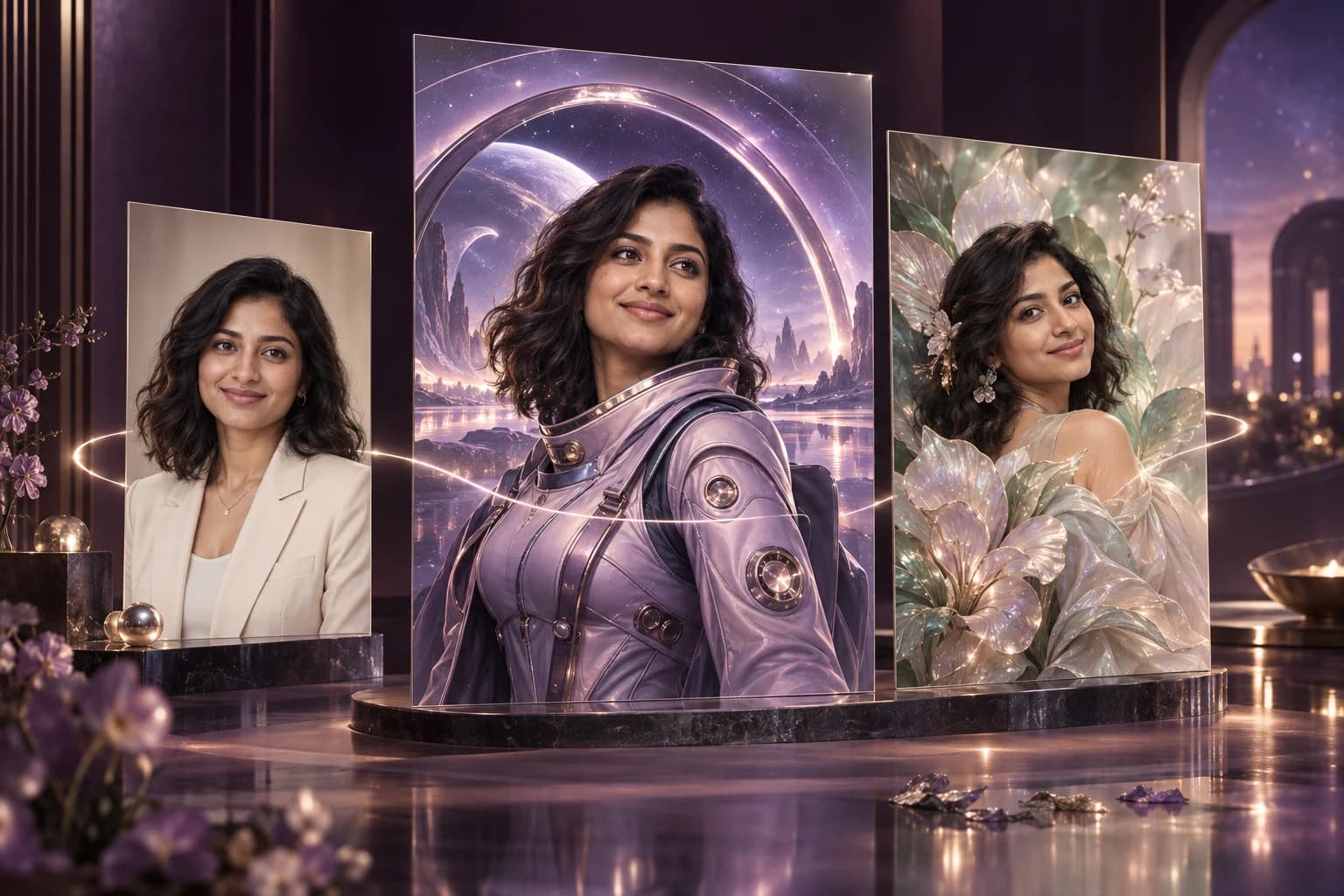
Concept illustration of one guest’s natural photo reimagined as a futuristic explorer and a botanical portrait.ONE GUEST. A WORLD OF POSSIBILITIES.
01 Your photo02 Your theme03 Your moment
AI-generated concept illustration. Portrait likeness and details can vary.
SOFTWARE BUILT AROUND YOUR EVENT

Custom-built for conferences, exhibitions, brand activations and corporate events.

MORE THAN A PHOTO OPPORTUNITY

Don’t just put your logo on a photo. Put your guest inside the idea.

Picture a technology conference where guests become explorers in a futuristic world. A product launch where their portraits reflect the campaign’s visual style. An employee celebration where each person becomes part of a shared creative theme.

An AI photo booth makes the attendee the subject of the experience—not just someone standing beside a backdrop.

We build the software around that idea, with the visual direction, interaction flow and image delivery options defined for your event.

One guest. One photo.
A personal connection to your event theme.

FROM CAMERA TO KEEPSAKE

A simple guest journey.
A photo made for them.

A custom AI photo booth experience can follow four clear steps. The capture method, theme choices and delivery process are agreed during project planning.

  1. 01

    Capture the Photo

    The guest takes a photo through the configured camera interface or provides an image through an agreed upload flow. Clear on-screen instructions guide them through the first step.

  2. 02

    Choose the Experience

    Offer a selection of approved visual themes or guide every guest through one campaign-specific style. The experience can reflect your event concept without requiring attendees to write their own prompts.

  3. 03

    Generate the AI Portrait

    The software uses the guest’s photo and selected theme to create an AI-generated portrait. A processing screen explains what is happening while the image is being prepared.

  4. 04

    Preview and Receive

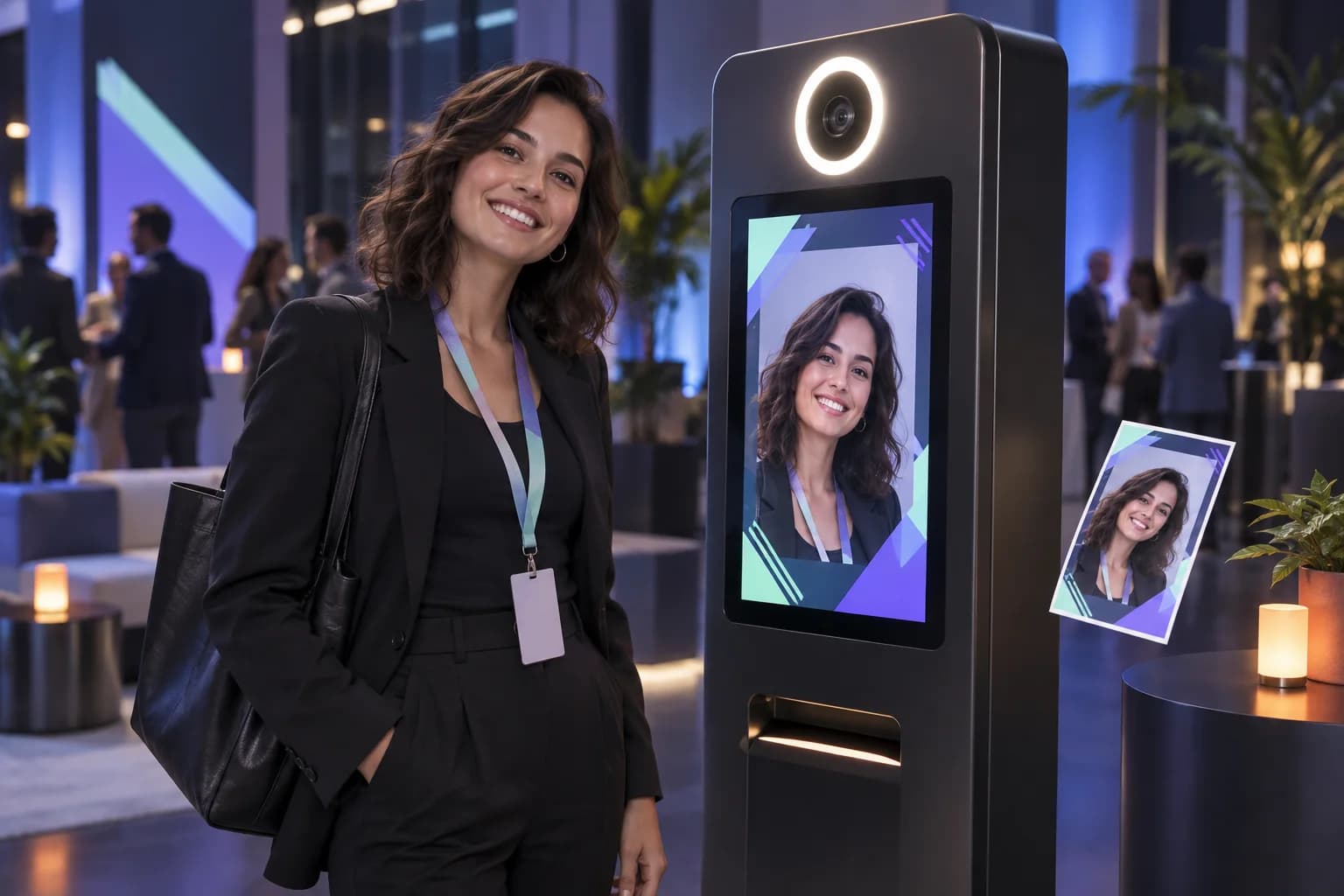
    Let the guest preview the result before receiving it through the selected delivery method. Digital access, QR-code pickup or a compatible printing workflow can be included in the project scope.

Take a photo Select a theme Generate a portrait Preview and receive

BEHIND THE EXPERIENCE / DFDs

A clear picture of
how the data moves.

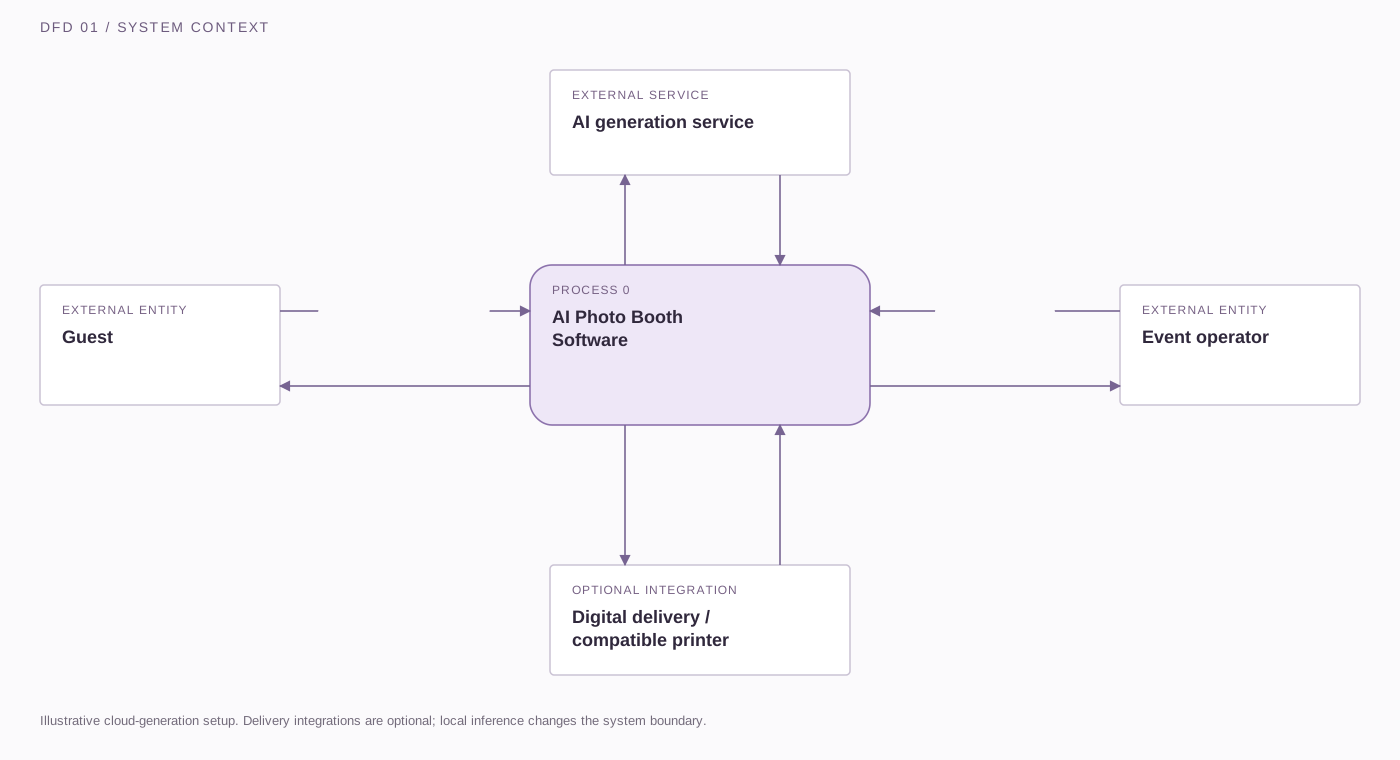
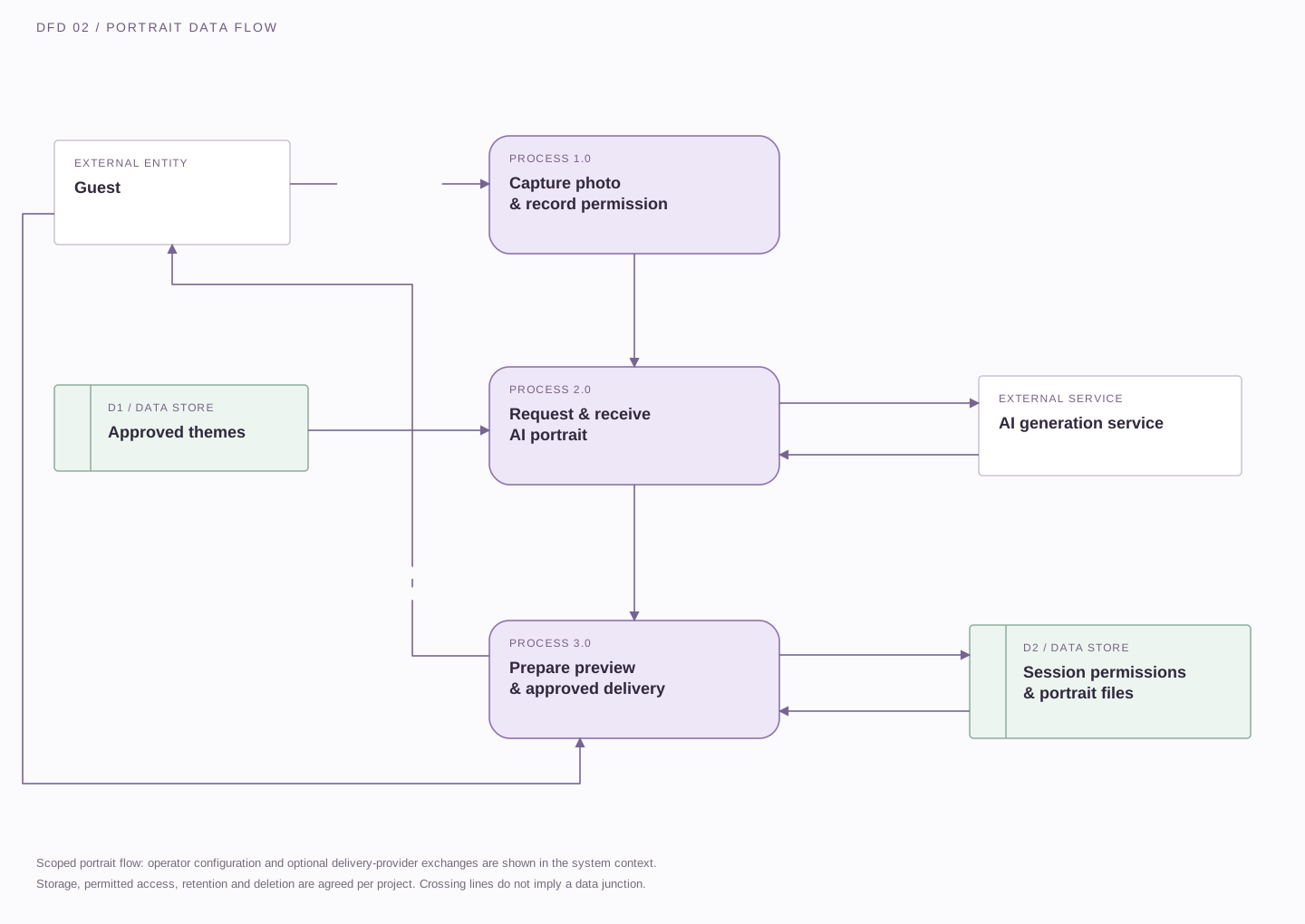
From photo permission to portrait delivery, these illustrative data-flow diagrams show a possible software design. Final integrations, hosting, storage and deletion rules are defined during scoping.

Download SVG
Data-flow diagram showing guest and operator inputs to the AI photo booth, image-generation requests and results, and optional delivery or print exchanges.

The guest supplies a photo, permission, a theme and an approval choice. The operator provides approved themes, templates and session settings. The software exchanges requests and results with the selected AI service and, where scoped, a delivery or printing integration.

External entity Process Data store→ Labelled data flow
Open full size ↗

On smaller screens, scroll across the diagram or open it full size.

Permission before participation. Define the notices and permissions for generating and delivering a portrait. Public display and marketing use are separate choices.

Brand assets stay controlled. Apply approved frames, artwork and logos through templates; the image model does not need to recreate lettering.

Plan the whole workflow. The system view illustrates cloud generation. Local inference, connectivity and delivery dependencies need separate evaluation.

FEATURES & CUSTOMISATION

Build the photo experience
your event needs.

Choose the capabilities that fit your audience, venue and creative brief. The options below can be scoped into a custom build rather than treated as a fixed, one-size-fits-all package.

Event-Specific AI Themes

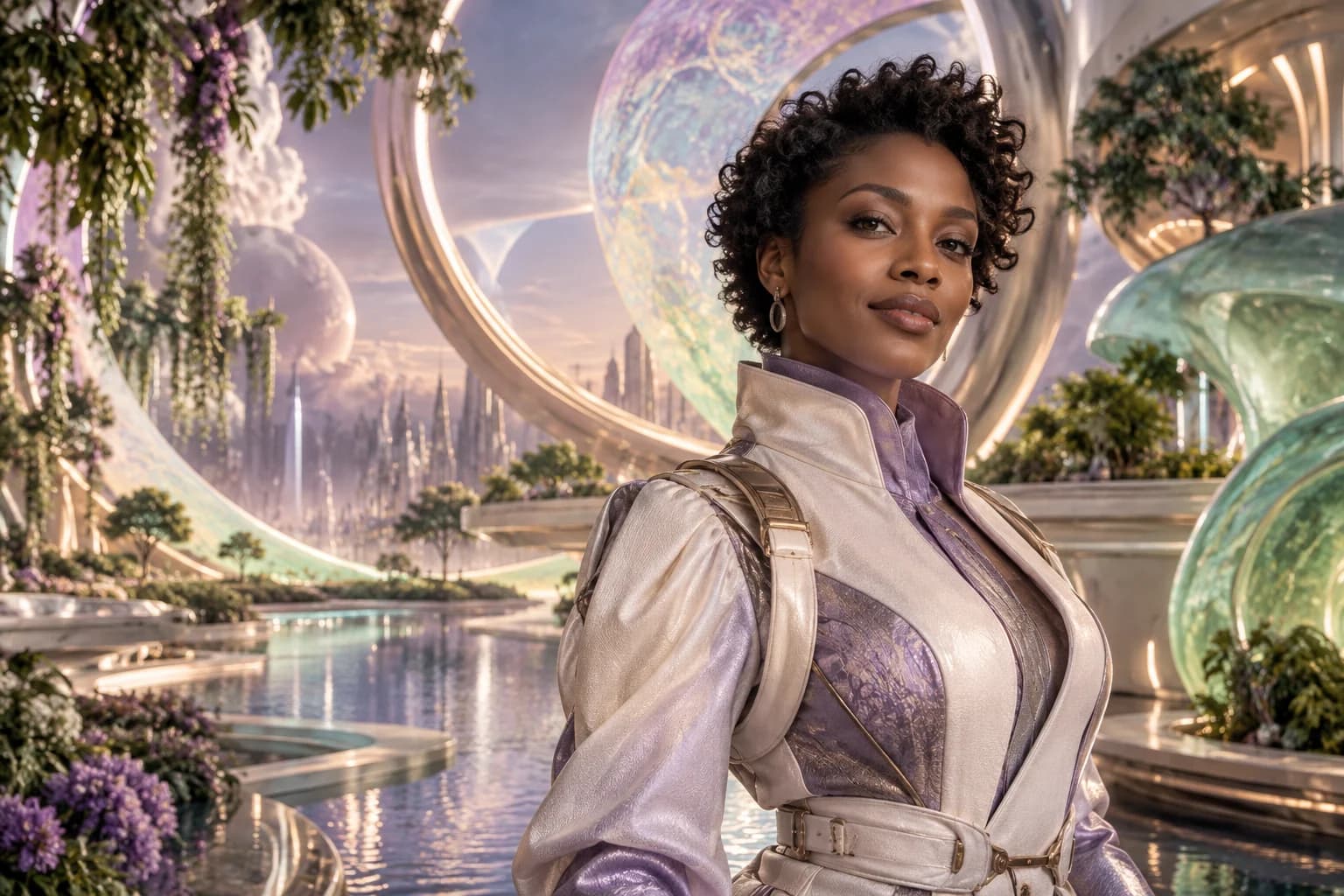
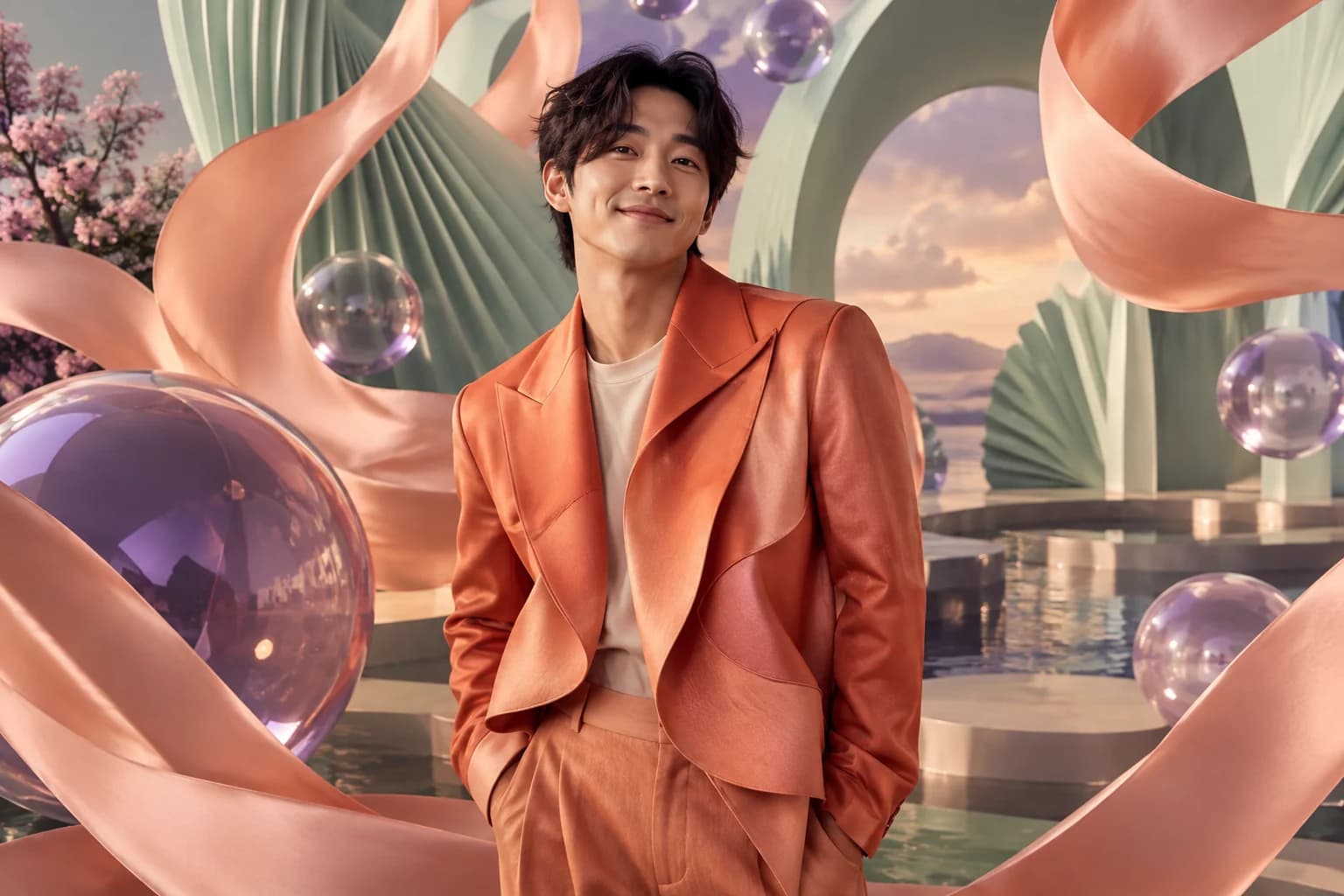
Create a visual direction around your campaign, industry or event story. Explore themes such as futuristic portraits, illustrated characters or cinematic scenes, with sample outputs reviewed before the final theme selection.

OPTION TO SCOPE
A Branded Guest Interface

Carry your event identity through the welcome screen, instructions, theme selection and completion screens. Shape the wording and interaction around your audience so guests know what to do next.

OPTION TO SCOPE

Flexible Photo Input

Plan the experience around kiosk-based capture, an operator-assisted setup or an image-upload journey. Select the approach that fits the venue, equipment and level of assistance available.

OPTION TO SCOPE

Branded Photo Layouts

Add approved event frames, campaign artwork and logo placements to the output layout. Keep brand assets in controlled templates rather than relying on the AI model to recreate logos or lettering.

OPTION TO SCOPE

Preview & Approval Steps

Include a preview stage so guests can review their portrait before it is delivered or displayed. Agree whether the experience needs a retake, a regeneration option or operator assistance.

OPTION TO SCOPE

Digital Delivery & Print Workflows

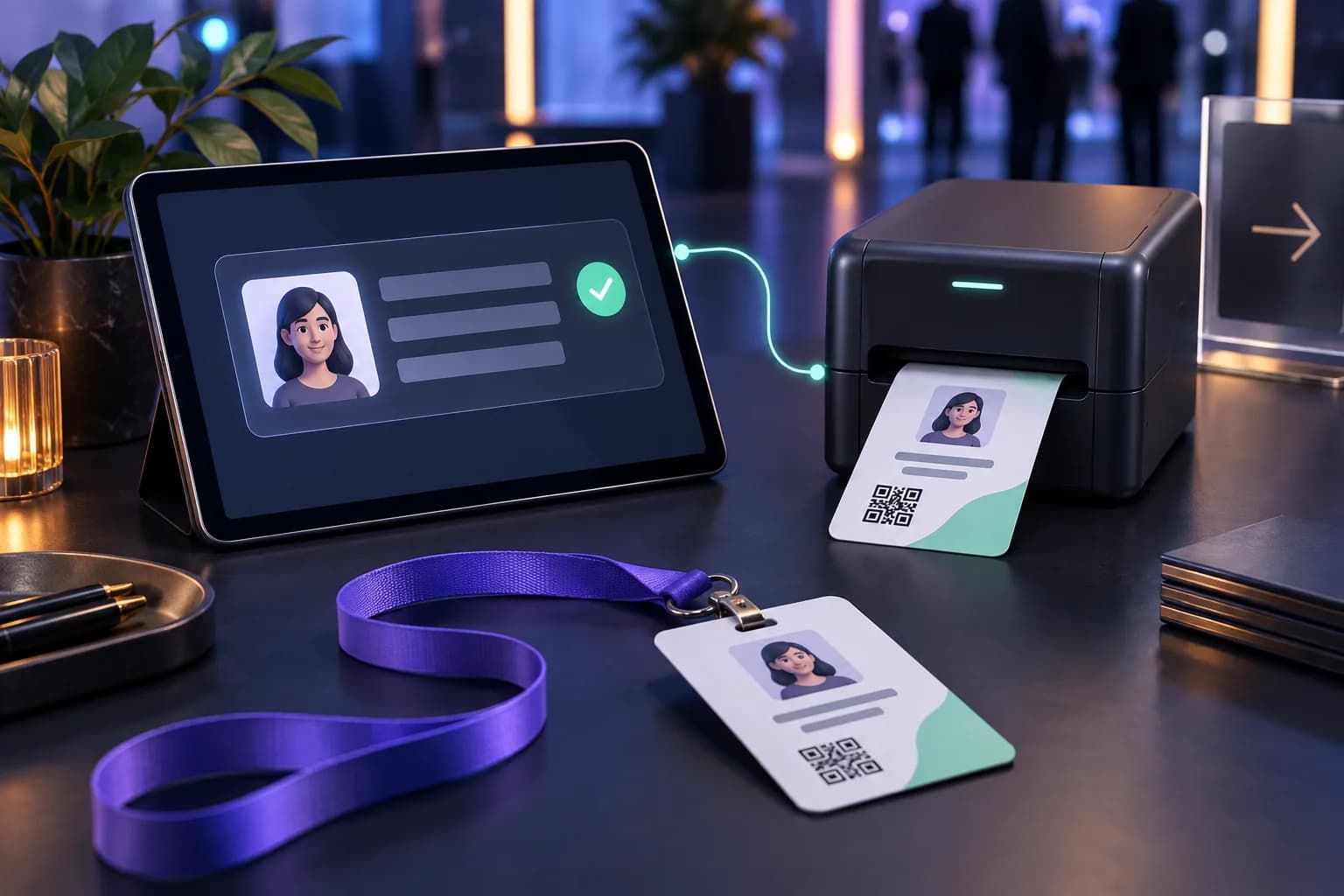
Scope a delivery method around how guests should receive their images. Options can include QR-code access, a digital download page or integration with a selected compatible printer.

OPTION TO SCOPE

Operator Controls

Plan controls for starting and ending sessions, selecting active themes, reviewing processing status and resetting the interface between guests. Define the tools your event staff need alongside the guest-facing screens.

OPTION TO SCOPE

Photo Handling & Access Settings

Agree how photo permission is requested, who can access images and how long files should be retained. Include the necessary notices, access controls and deletion workflow in the project requirements.

OPTION TO SCOPE

FOR ORGANISERS & BRANDS

Give people a reason to take part.

Discuss Your AI Photo Booth
01 /

Make the Experience Personal

Invite guests to see themselves inside your event’s creative world. The interaction starts with their photo and ends with an image created around their participation.

02 /

Bring Your Campaign Into the Activity

Extend the visual story beyond signage and presentation slides. Shape the AI themes, interface and final photo layout around the same creative direction.

03 /

Give Guests Something to Keep

Create a photo takeaway that connects the attendee with the event. Let guests decide whether to save or share their image rather than making public posting part of participation.

04 /

Plan for the Team Running It

The guest experience is only one part of the setup. Operator controls, image delivery, session resets and recovery steps deserve the same attention as the portrait itself.

THE CREATIVE POSSIBILITIES

One concept.
Different ways to bring it to life.

The following examples illustrate possible creative directions—not claims about previous client deployments.

Illustrative future-inspired portrait of a conference guest in a luminous orbital setting.CREATIVE DIRECTION 01
AI-generated concept illustration

Conferences & Business Summits

Build a portrait experience around the conference theme. A discussion about future industries, for example, could become a visual experience that places attendees in a future-inspired setting.

Illustrative campaign portrait surrounded by coral ribbons and sculptural mint and violet forms.CREATIVE DIRECTION 02
AI-generated concept illustration

Brand Activations & Product Launches

Make the campaign’s creative world something visitors can step into. Use approved visual themes and branded output layouts to connect the photo experience with the launch.

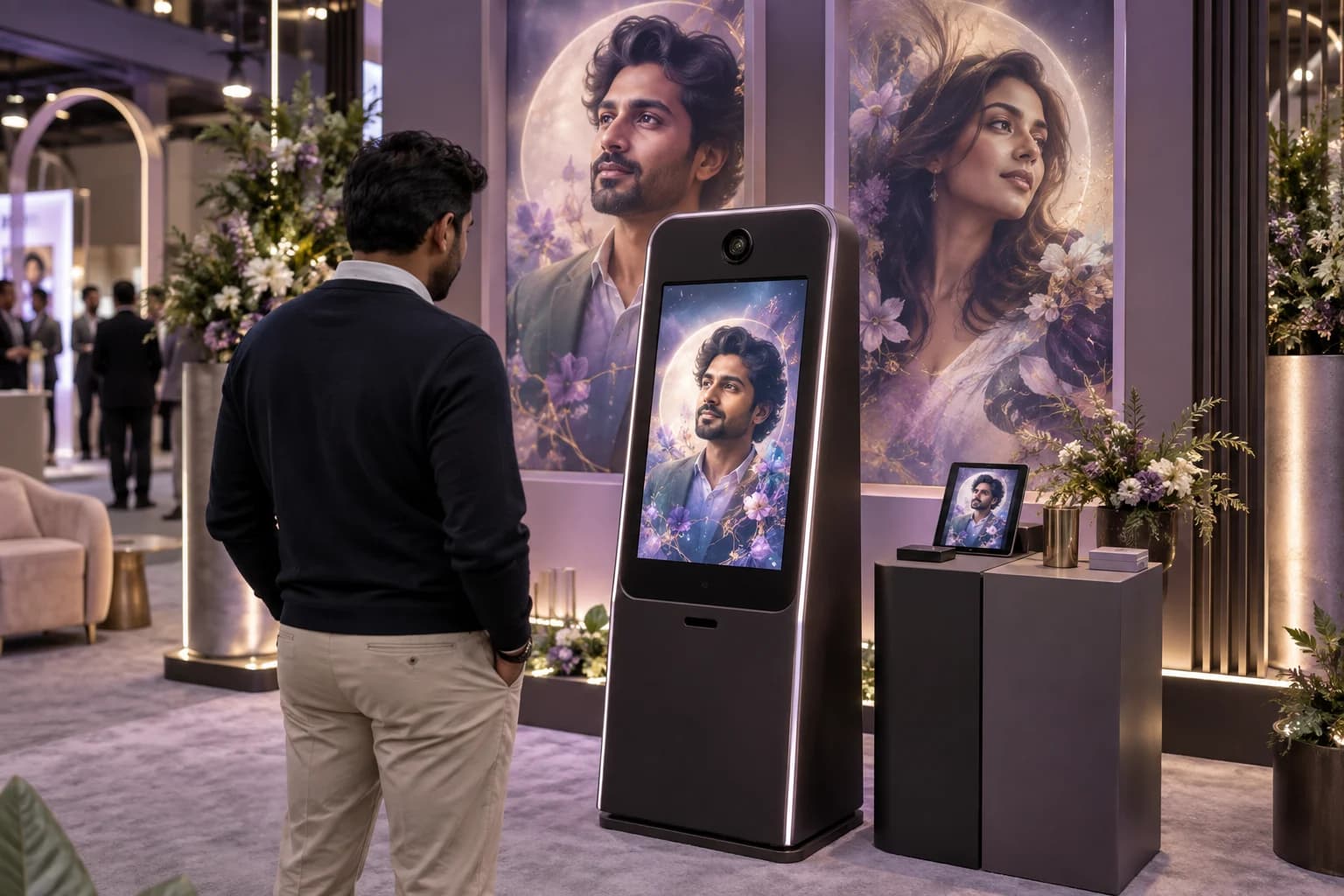
Concept illustration of a guest using an AI photo kiosk at an exhibition stand.CREATIVE DIRECTION 03
AI-generated concept illustration

Exhibitions & Trade Shows

Create a participatory activity within an exhibition stand. Plan the capture, generation and pickup flow around available space, expected demand and the staff operating the experience.

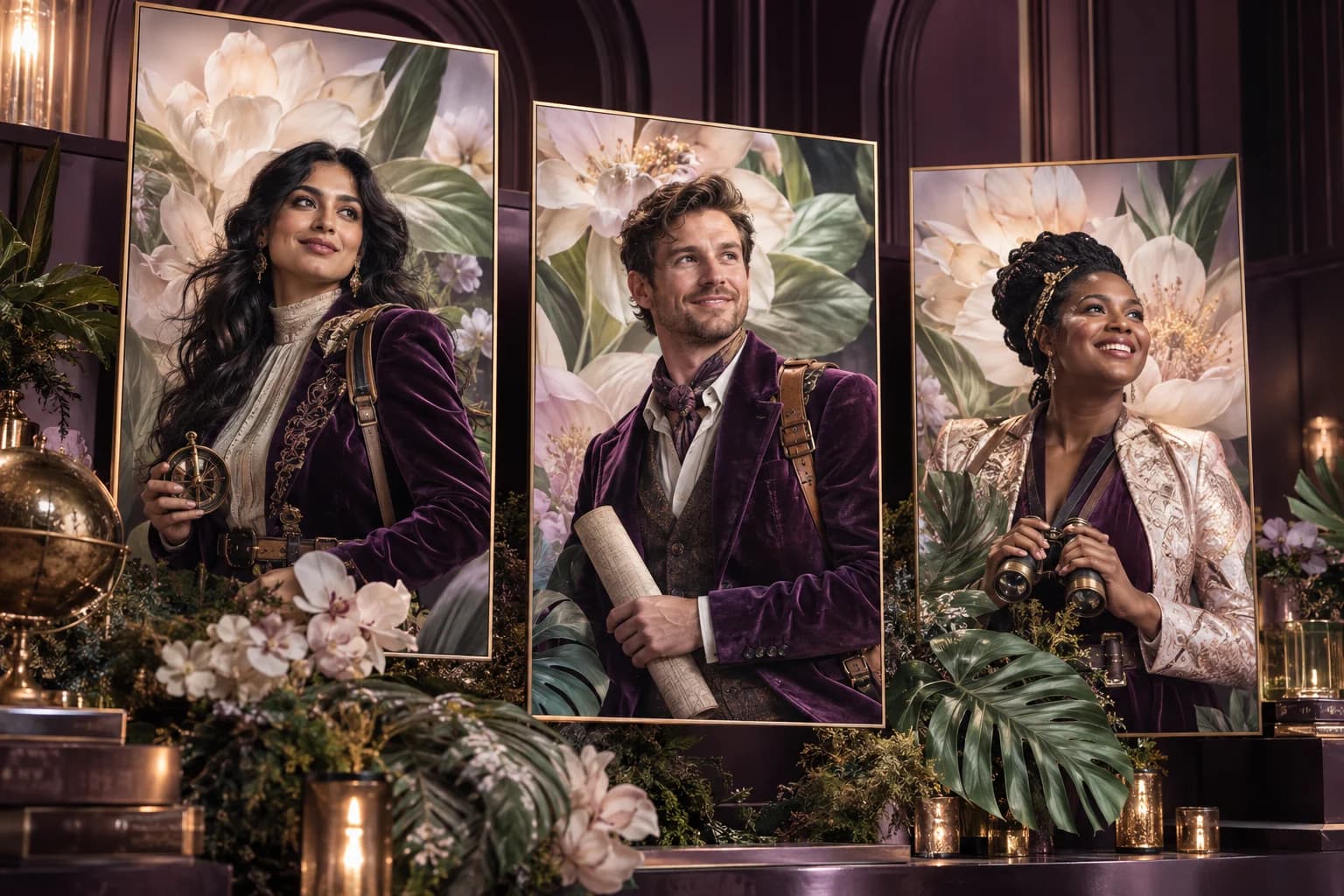
Illustrative individual colleague portraits united by a cinematic botanical celebration theme.CREATIVE DIRECTION 04
AI-generated concept illustration

Employee Events & Corporate Celebrations

Build a shared theme that still gives each participant an individual result. Adapt the interface and creative direction for annual celebrations, team gatherings or internal innovation events.

WHY TECHNANOSOFT

A software partner
behind the photo experience.

Technanosoft has delivered AI photo booth software alongside other event applications, including selfie kiosks, interactive games, registration and badge printing, digital judging and live audience reactions.

That experience gives us a practical starting point for discussing both the creative interaction and the software needed to support it.

Explore our event software
01

Built Around Your Brief

Start with the experience you want guests to have. Define the software around your theme, users and operating requirements instead of forcing the idea into a fixed interface.

02

Guest Screens and Staff Controls Planned Together

A clear capture screen matters. So does the ability to reset a session or help a guest whose image has not completed. Plan both sides of the application from the beginning.

03

Equipment and Workflow Considered Early

Identify the cameras, displays, computers, printers and connectivity involved before development decisions are locked in. Hardware compatibility and installation responsibilities should be clear within the project plan.

OUR DEVELOPMENT PROCESS

From creative brief
to event-ready workflow.

The goal is not just a compelling sample image. It is a complete experience your team can operate.

  1. 01

    Define the Experience

    Share the event theme, date, expected participation and preferred setup. Establish what guests should do, what they should receive and how the event team will operate the experience.

  2. 02

    Review the Visual Direction

    Explore sample AI styles and branded output layouts. Review whether the proposed themes suit the audience and communicate the event concept before expanding them into the full application.

  3. 03

    Build the Software

    Develop the agreed guest journey, operator controls and integrations. Connect the selected image-generation approach with the capture interface and delivery workflow.

  4. 04

    Rehearse the Complete Journey

    Test the experience on the intended equipment. Review image quality, processing time, guest instructions, delivery steps and recovery behaviour under representative event conditions.

BEFORE WE BUILD

Questions About
AI Photo Booth Software

Practical details for planning your experience.

Discuss Your AI Photo Booth
01What is AI photo booth software?

AI photo booth software uses a guest’s photo as an input to create an AI-generated image based on a selected theme or style. For events, the surrounding experience can include a branded interface, theme selection, image preview and an agreed delivery method.

02How is an AI photo booth different from a regular selfie kiosk?

A selfie kiosk mainly captures and presents a photograph, sometimes with a branded frame or overlay. An AI photo booth generates a new interpretation of the guest’s image, changing elements such as the visual style, clothing or surrounding scene.

The right choice depends on whether you want a conventional event photograph or a more imaginative portrait experience.

03Can the AI photo booth match our brand and event theme?

The project can include custom visual themes, branded screens and controlled photo templates. Share your brand guidelines, campaign artwork and creative references during planning.

Sample outputs should be reviewed before approving a theme for event use.

04Will every AI portrait look exactly like the guest?

AI-generated portraits are interpretations, so likeness and visual details can vary. The selected model, source photo and creative theme influence the result.

Theme testing and a guest preview step help establish whether the output is suitable for the intended experience. Exact likeness should not be promised for every image.

05Can guests receive a digital copy or print their photos?

Digital delivery and printing can be included in the scope. The best method depends on the guest journey, venue connectivity and selected equipment.

Printing requires compatibility checks with the intended printer, along with an agreed process for handling and collecting prints.

06How long does it take to generate an image?

Generation time depends on the selected AI model, image settings, available computing resources, network conditions and the number of simultaneous requests.

Processing time should be measured using the intended setup before making guest-facing timing promises. The interface and operating plan should account for periods of higher demand.

07Does the AI photo booth need an internet connection?

An experience using cloud-based image generation needs suitable connectivity. A local-processing approach would require separate hardware and model evaluation.

Offline operation should be confirmed for the complete workflow, including any delivery or printing steps, rather than assumed from the capture screen alone.

08Do you provide booth hardware or only the software?

This service page focuses on custom AI photo booth software development. Camera, kiosk, computer, display and printer requirements are reviewed as part of planning.

Hardware supply, physical installation and on-site operation should be explicitly agreed in the project scope.

09How are guest photos handled?

The project should define photo permissions, access, storage duration and deletion requirements before launch. Public display and marketing use should be treated separately from simply generating and delivering a guest’s portrait.

The actual handling arrangements depend on the hosting environment and any image-generation services selected.

10How much does custom AI photo booth software cost?

Pricing depends on the guest interface, number of themes, AI-generation approach, operator controls, integrations and delivery requirements.

The project estimate should distinguish software development from any applicable hosting, image-generation usage, hardware and event-operation costs.

YOUR NEXT EVENT, REIMAGINED

Bring your event theme into the picture.

Tell us what you want guests to experience. We’ll help define the AI photo booth software, creative workflow and technical setup around that idea.

Share your event date, expected participation and preferred photo experience.

Let’s Plan Your AI Photo Booth

Tell us what you have in mind. Event details can be confirmed later.

Your contact information and event idea

We’ll use these details to respond to your enquiry. Privacy policy.