Requests enter
Email, CRM, WhatsApp, forms, files, and internal tools feed one controlled workflow.
AI workflow automation for teams buried in manual work
Technanosoft helps growing businesses replace spreadsheet updates, inbox follow-ups, document handling, reporting delays, and disconnected tool handoffs with secure AI automation systems that are easy for teams to understand, approve, and improve.
Workflow View
Email, CRM, WhatsApp, forms, files, and internal tools feed one controlled workflow.
Classify, extract, summarize, route, score, and draft the next action with clear limits.
Sensitive actions stay behind approval checkpoints, confidence rules, and audit trails.
Status, exceptions, reports, alerts, and workflow health stay visible after launch.
The best automation projects are not the flashiest. They are the workflows your team repeats every day, where delays, errors, missing context, or manual follow-ups quietly slow the business down.
Requests arrive through forms, email, WhatsApp, CRM, spreadsheets, calls, or shared inboxes and someone has to manually organize them.
Teams move customer, invoice, ticket, lead, or report data from one system to another because the tools do not speak clearly.
Managers approve by chat or email, context gets lost, and teams cannot see what is waiting, blocked, or already handled.
Important updates are built by hand from spreadsheets, exports, dashboards, or screenshots instead of refreshed automatically.
We turn practical operations into structured workflows with clear triggers, rules, AI assistance, approvals, and reporting.
Update records, enrich leads, route opportunities, log activity, and trigger follow-ups without manual copy-paste.
Extract invoice, form, contract, or PDF data into structured workflows with validation and exception handling.
Classify tickets, prioritize issues, draft replies, route requests, and escalate uncertain cases.
Automate dashboard updates, internal summaries, alerts, weekly reports, and operational visibility.
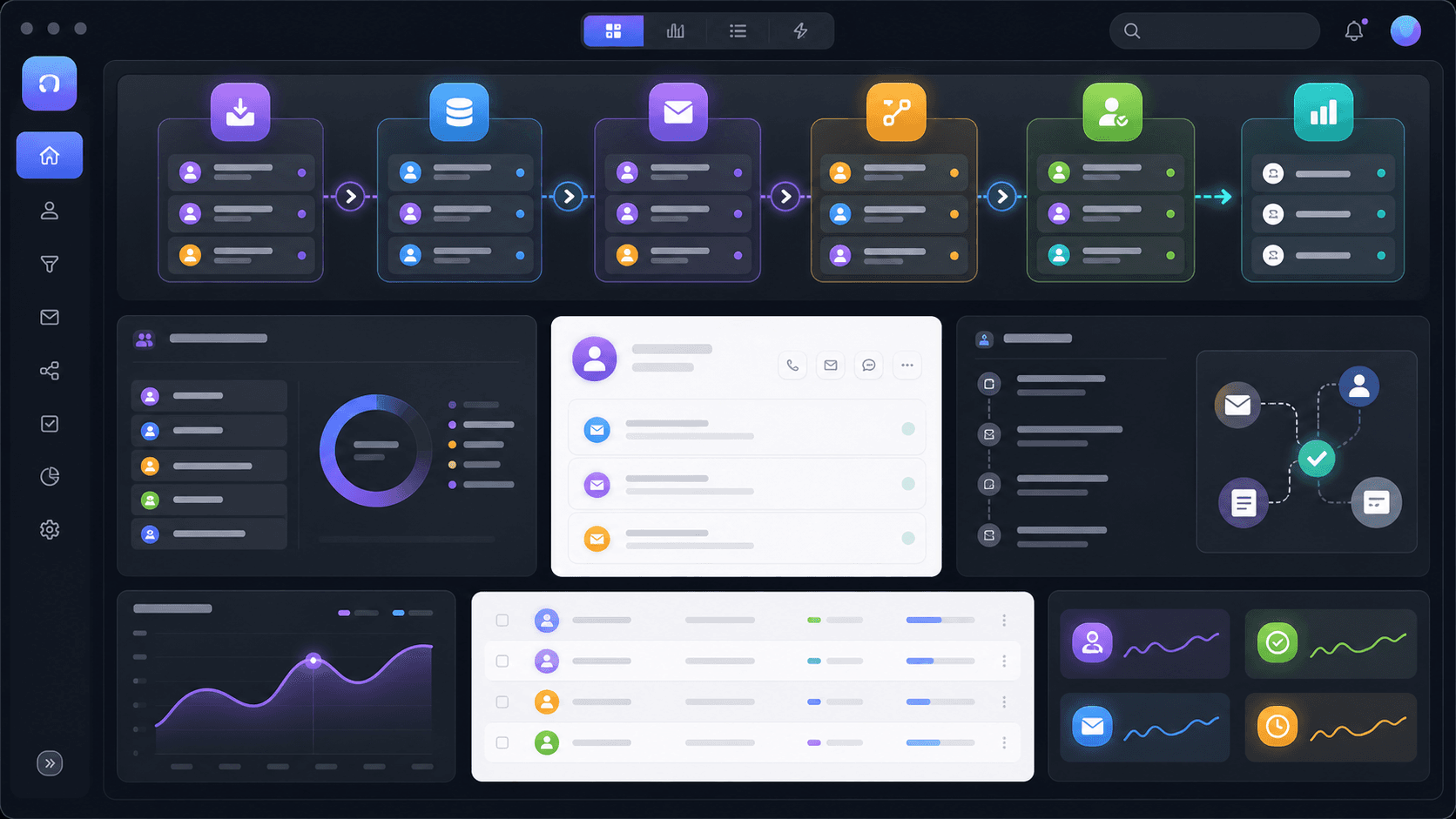
Keep lead records, ownership, follow-ups, and reporting synchronized across the tools your team already uses.
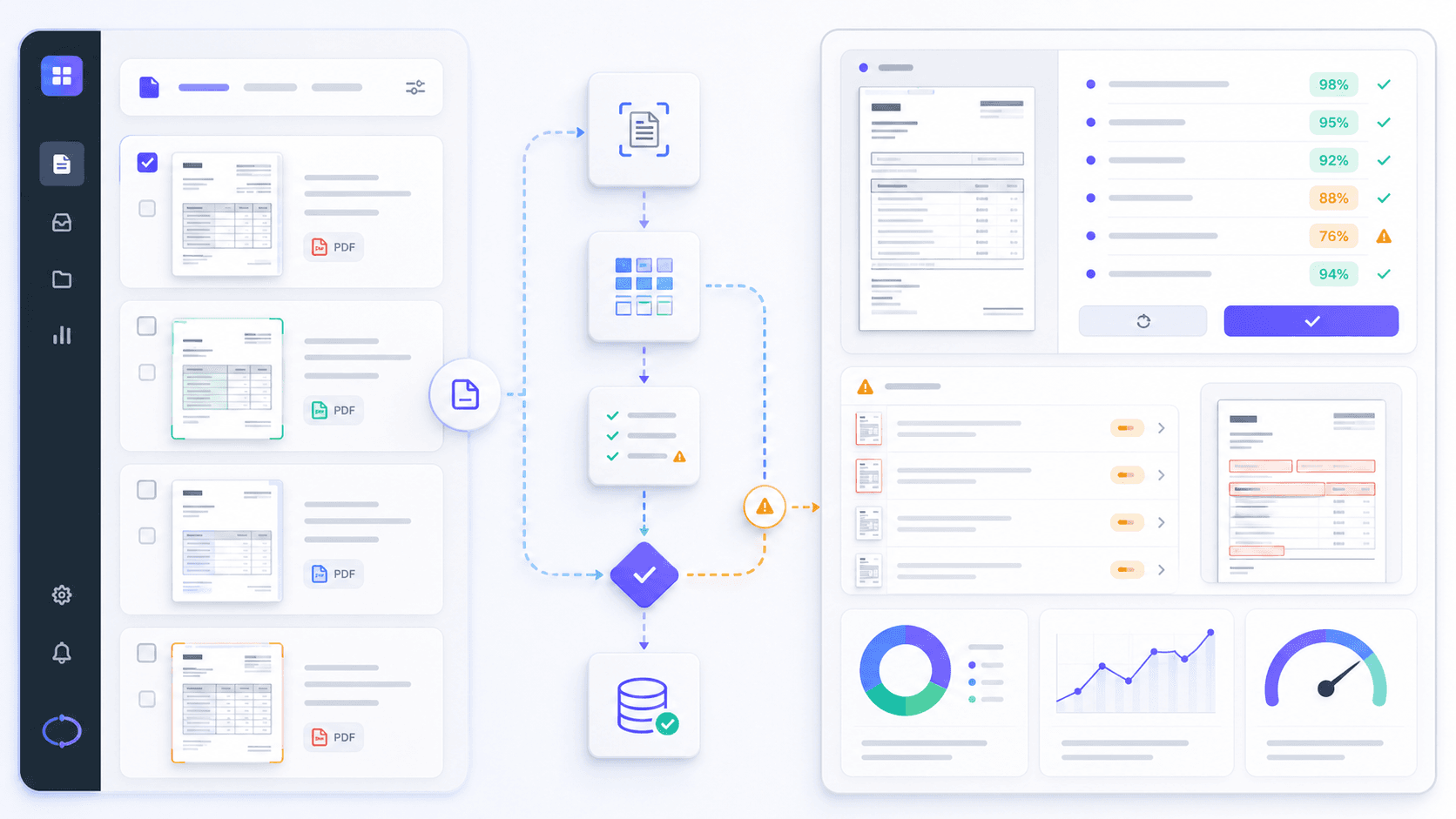
Extract useful fields from documents, validate them, and send exceptions to the right person before action is taken.
Every automation system is designed around a real business workflow, not around AI for its own sake.
Capture activity, update fields, summarize interactions, and keep customer data current.
Score, enrich, assign, and notify the right sales owner based on source, fit, territory, or urgency.
Draft responses, summarize threads, prepare follow-ups, and keep human approval in the loop.
Extract line items, dates, totals, IDs, and key fields from documents into approved systems.
Categorize support tickets by topic, priority, customer type, sentiment, or next action.
Suggest replies, search knowledge bases, route requests, and escalate exceptions to the right team.
Generate summaries, performance snapshots, alerts, and dashboard updates from operational data.
Route approvals, check required fields, flag missing context, and maintain audit trails.
Connect conversations, CRM records, and notifications so teams do not lose context across tools.
Refresh dashboard data, prepare insights, surface exceptions, and notify stakeholders automatically.
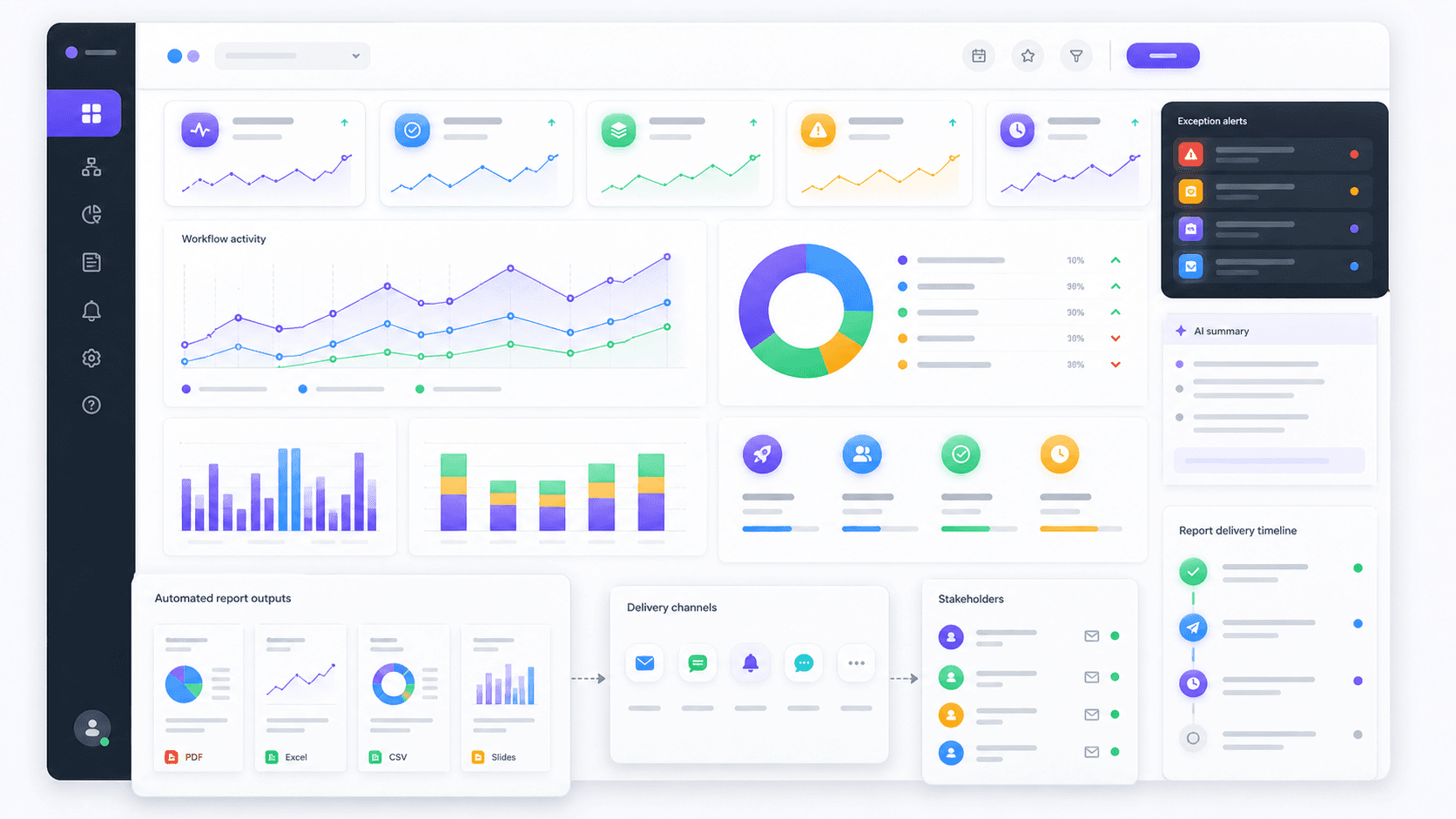
Connect operational data, summarize changes, flag exceptions, and deliver the right update to the right team.
Manage campaigns, follow-ups, replies, and analytics in one workflow instead of scattered manual tracking.
Automation becomes valuable when it works inside your existing operating rhythm instead of forcing the team into yet another disconnected tool.
We design AI workflow automation with clear boundaries so teams can trust what runs automatically and review what needs judgment.
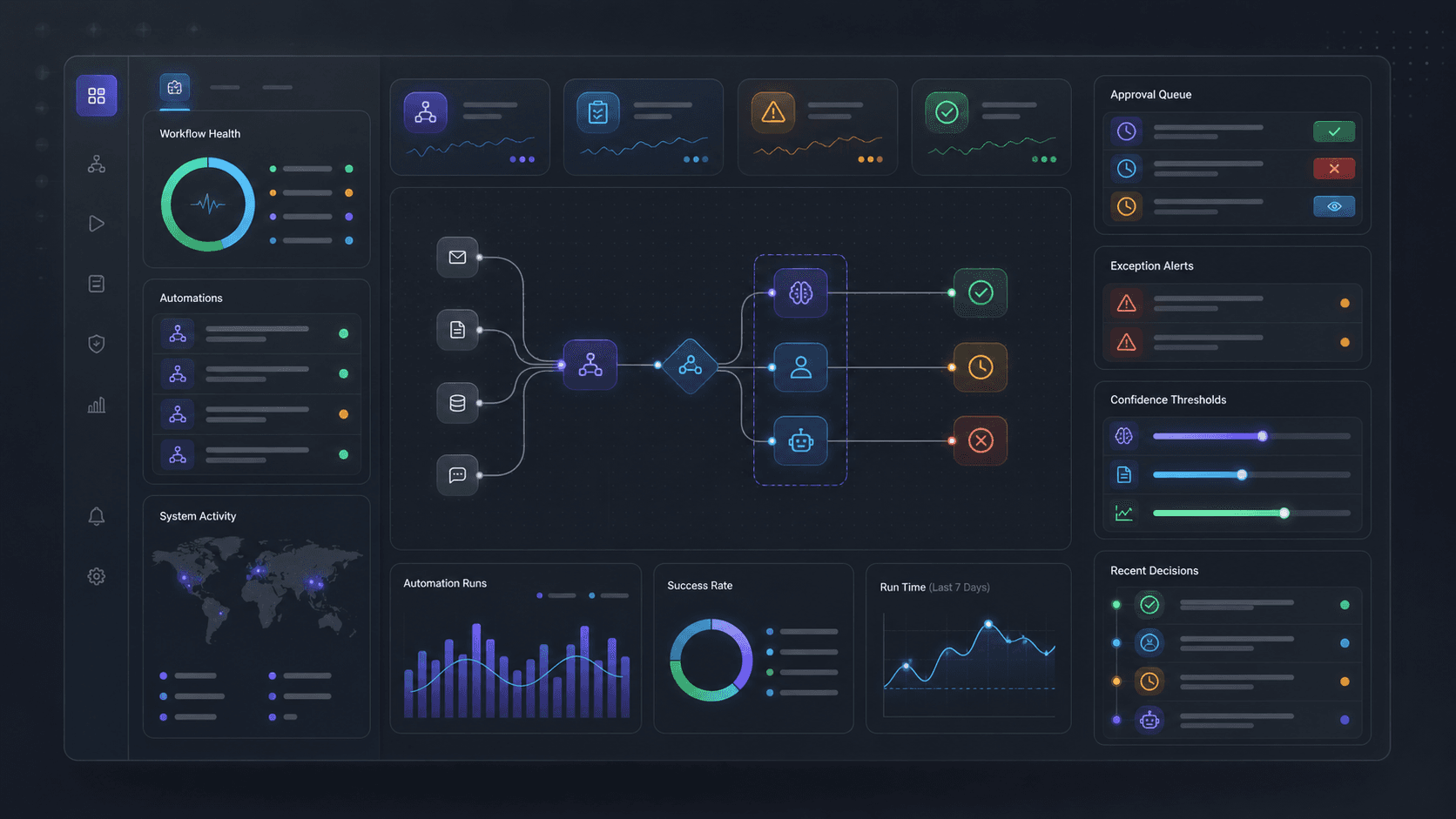
Permissions, validation, audit logs, and monitoring make the workflow easier to trust after it goes live.
A practical delivery path for finding useful automation opportunities, validating them with your team, and launching workflows with control.
Most projects become easier to understand when we map them as four connected layers.
Capture the request, lead, document, ticket, message, or report trigger from the correct source.
Apply rules, AI classification, scoring, extraction, routing logic, and validation checks.
Update systems, draft responses, assign tasks, create records, notify teams, or prepare approvals.
Show status, exceptions, audit logs, dashboards, and improvement opportunities after launch.
Examples of how AI workflow automation can support sales, support, reporting, document handling, dashboards, and internal operations.

AI OCR / Accounting Automation
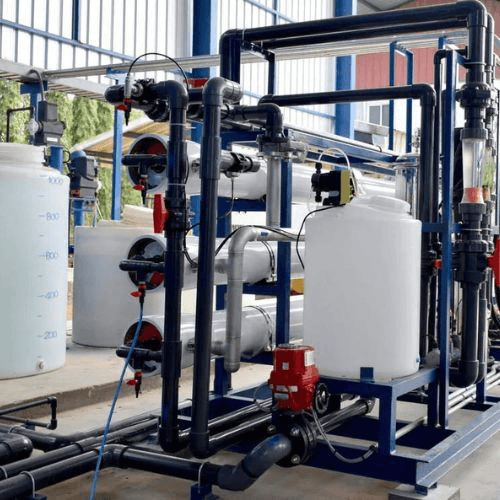
Railway IoT / Water Automation
Sales Operations
Technology choices depend on the workflow, architecture, security, and long-term support needs.
We map current workflows, repetitive tasks, data sources, tools, approval points, risks, and expected business value before proposing automation.
Yes. Most projects connect with CRM, email, WhatsApp, accounting tools, helpdesks, spreadsheets, dashboards, or internal databases through APIs or controlled imports.
Only where you approve it. Sensitive workflows can require human approval, audit logs, confidence thresholds, validation rules, and escalation paths.
We prioritize workflows with high repetition, clear rules, available data, measurable time savings, and manageable risk. The first release is usually a focused workflow, not a broad AI rollout.
Yes. We can build custom dashboards, portals, approval systems, automation layers, and reporting tools when off-the-shelf software does not fit the workflow.
Book a free AI workflow audit and we will help identify what to automate, what to avoid, and what a practical first release could look like.
Book Free AI Workflow Audit