Technanosoft Insights
Yard Management System Integration: Events, Exceptions, and Rollout
A decision guide for connecting gate, yard, dock, TMS, and WMS workflows without creating duplicate events, unreliable trailer inventory, or unsafe automation.
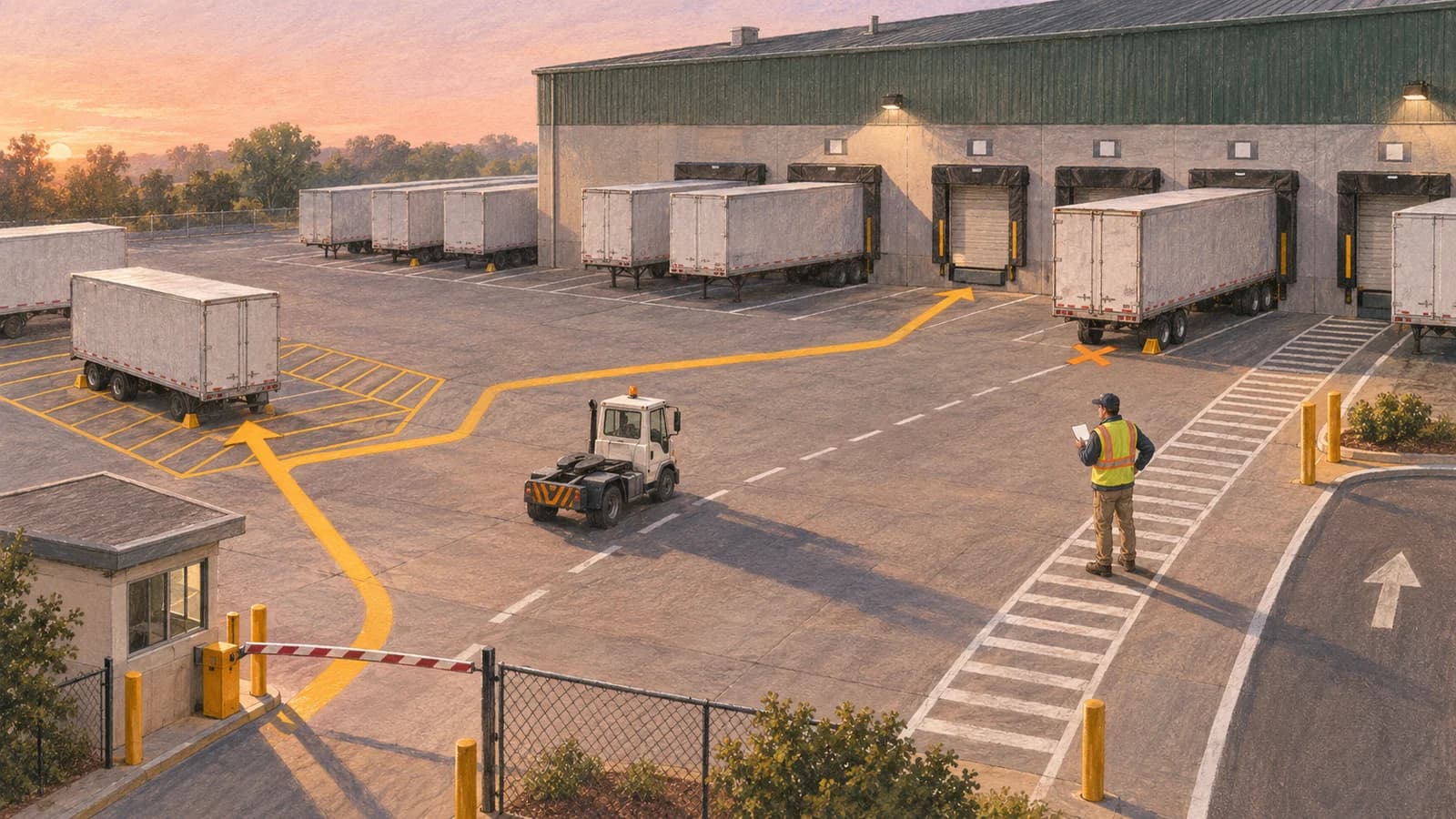
A decision guide for connecting gate, yard, dock, TMS, and WMS workflows without creating duplicate events, unreliable trailer inventory, or unsafe automation.
YARD AND WAREHOUSE OPERATIONS
A yard management system should make every arrival, move, dock assignment, and departure traceable across the systems that plan transportation and execute warehouse work. The difficult part is not drawing a yard map. It is deciding which system owns each event, what happens when data is missing or late, and how operations continue when a device or connection fails.
Editorial draft: November 11, 2026 · Estimated reading time: 13 minutes
Quick answer
Yard management system integration connects the physical flow between a facility gate and its dock doors with the transportation management system (TMS), warehouse management system (WMS), appointments, mobile yard tasks, and operational reporting. A reliable design uses one canonical identity for each visit and equipment unit, records every state change as an idempotent event, routes incomplete arrivals into an exception queue, and gives one system clear ownership of each status. Start with one site and a narrow event spine before automating decisions.
Key takeaways
| Question | Decision-first answer |
|---|---|
| What should the first release cover? | Appointment lookup, gate check-in, trailer inventory, yard moves, dock assignment, exception handling, and check-out. |
| What causes most integration risk? | Conflicting identifiers, unclear system ownership, duplicate events, late updates, and missing offline procedures. |
| Should every site buy a full YMS? | No. Standard yards may fit a packaged product; distinctive workflows may need extensions or a custom orchestration layer. |
| Where should AI be used? | For bounded assistance such as document extraction or exception summarization, not as the unreviewed source of physical movement commands. |
| What is the safest rollout? | Observe, shadow, enable controlled writes, then expand by capability and site. |
On this page
- Who this guide is for
- What YMS integration actually connects
- The event spine
- System ownership
- Exceptions and offline continuity
- Architecture and controls
- Buy, extend, or build
- Rollout plan
- FAQs
Who this guide is for
This guide is for an operations leader, distribution or warehouse leader, CIO, or integration lead planning a YMS implementation or trying to connect an existing yard tool with a TMS, WMS, ERP, gate kiosk, or mobile workforce. It is especially relevant when teams already have scheduling and warehouse systems but still coordinate trailer locations and moves through radios, spreadsheets, or disconnected screens.
It is not a product ranking. The goal is to help a team define the operating model and integration boundary before comparing vendors or estimating custom work.
What yard management system integration actually connects
A YMS coordinates the work after a vehicle reaches the facility and before the shipment is fully handed to warehouse or transportation execution. Oracle's yard documentation treats check-in, equipment identity, appointments, yard locations, dock activity, moves, exceptions, and check-out as explicit operations. SAP similarly models yard orders, prerequisite checks, and queued yard tasks. Those details matter because “the truck is here” is not one status; it is a sequence of verifiable events.
The core flow is:
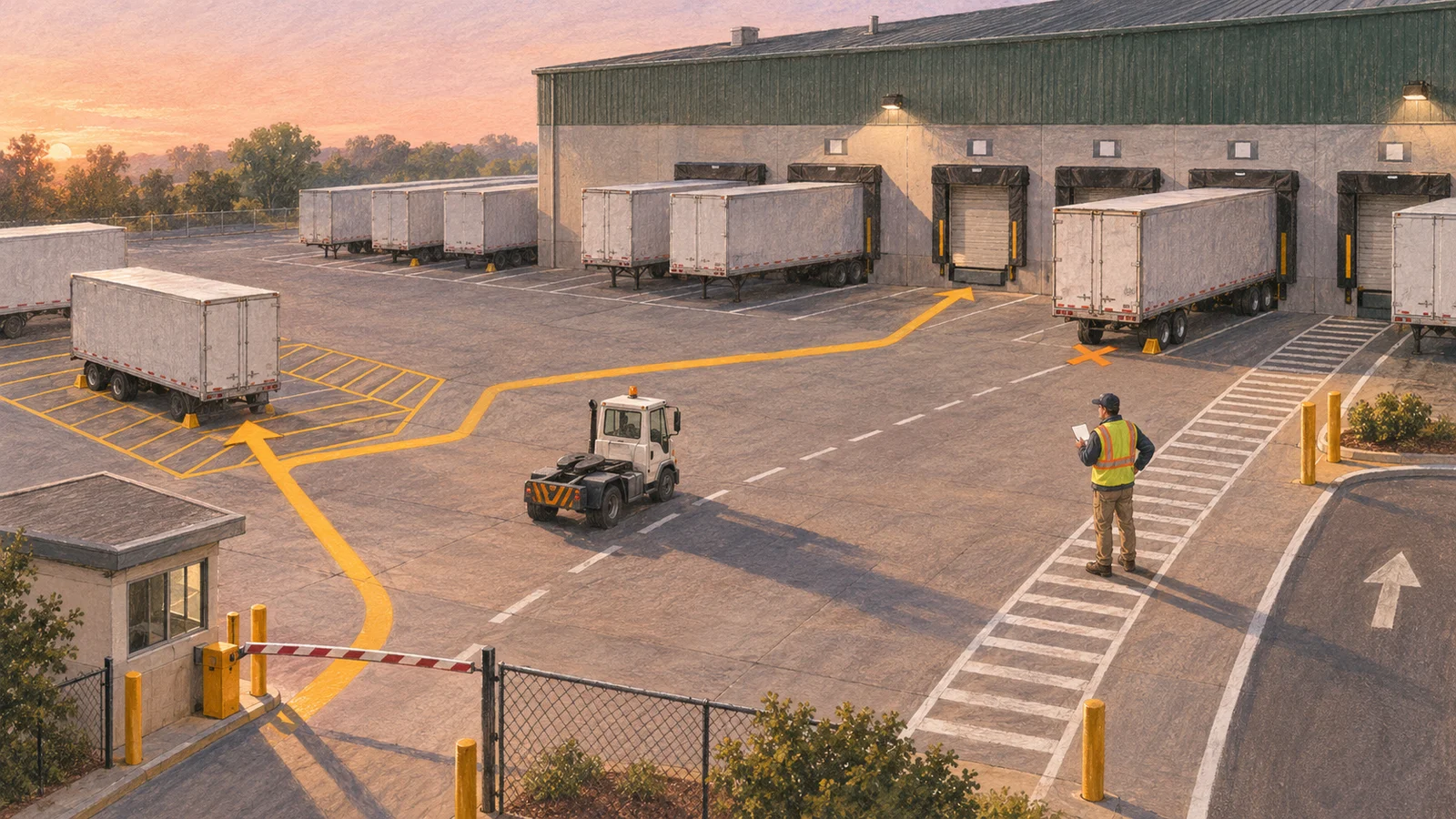
Expected visit → arrival observed → identity checked → yard spot assigned → move requested → move confirmed → dock work completed → departure cleared
Each step may depend on a different system:
- The TMS may own the shipment, carrier, appointment request, and planned arrival.
- The YMS may own physical presence, equipment location, yard task state, and move history.
- The WMS may own receiving or shipping readiness and completion at the dock.
- An identity or security system may own driver access, gate credentials, and visit authorization.
- An ERP or finance platform may consume confirmed operational events later, but should not infer them from an editable dashboard status.
The integration must preserve those boundaries while giving operators one usable workflow.
Design the event spine before the interface
The first design artifact should be an event contract, not a screen mockup. For each event, define its business meaning, required identifiers, source system, allowed predecessor, timestamp, and reversal or correction path.
| Event | Minimum meaning | Typical owner | Important exception |
|---|---|---|---|
| `visit_expected` | A carrier or internal move is planned for a facility | TMS or appointment system | Appointment changed after the driver departed |
| `gate_arrived` | The physical vehicle reached the gate | Gate/YMS | No matching appointment or unreadable equipment ID |
| `gate_cleared` | Required identity and prerequisite checks passed | Gate/YMS | Seal, document, safety, or access hold |
| `yard_spot_assigned` | A specific equipment unit is directed to a valid location | YMS | Spot occupied or capacity unavailable |
| `move_requested` | A move has an origin, destination, priority, and assignee queue | YMS | Destination becomes unavailable |
| `move_completed` | The equipment was physically confirmed at the destination | YMS/mobile task | Duplicate scan or stale task |
| `dock_released` | Warehouse work is complete and the door can be cleared | WMS | Load incomplete or paperwork unresolved |
| `gate_departed` | Equipment exited and the visit record can close | Gate/YMS | Equipment mismatch or open hold |
Use stable internal IDs even when external identifiers are inconsistent. A trailer number may be reused across carriers, entered with different punctuation, or corrected after check-in. Keep the raw value, normalized value, carrier context, and audit trail. Do not silently rewrite historical events when a user fixes a display field.
Every integration write should also be idempotent. If a mobile device retries `move_completed`, the receiver should recognize the event key and return the existing result instead of creating a second movement. This is ordinary reliability engineering, but it becomes operationally important when network coverage is weakest at the gate or back of the yard.
Decide which system owns each record
“Single source of truth” is only useful when defined per record. A YMS project can fail even with modern APIs if the TMS and YMS can both edit the same appointment state or the WMS and YMS can both mark the same dock activity complete.
Create an ownership matrix before mapping fields:
| Record or decision | Authoritative system | Read-only consumers | Write-back rule |
|---|---|---|---|
| Shipment and carrier plan | TMS | YMS, WMS | YMS writes actual arrival/departure events, not planning edits |
| Appointment request | Appointment system or TMS | YMS, WMS | YMS may propose operational changes; owner confirms |
| Physical equipment location | YMS | TMS, WMS, analytics | Only confirmed yard events update location |
| Dock readiness | WMS | YMS, TMS | WMS releases the door or load; YMS schedules the move |
| Driver/access status | Security or identity system | YMS | YMS consumes an allow/hold decision with reason code |
| Yard task priority | YMS | Mobile task client, operations reporting | Supervisor rules control override and reassignment |
| Analytical dwell measure | Reporting layer | Operations and finance | Derived from immutable event timestamps |
Manhattan Associates describes YMS as the layer that closes the operational gap between TMS and WMS. That is a useful model, but the boundary should be enforced in contracts and permissions, not assumed from product names.

Treat exceptions and offline work as first-class flows
The “happy path” is the smallest part of a reliable yard design. A useful exception model separates incomplete, conflicting, and unsafe work instead of forcing operators to invent a valid-looking status.
Common exceptions include:
- A truck arrives early, late, or without an appointment.
- The equipment number matches more than one carrier record.
- A seal or required document does not pass a prerequisite check.
- A driver has a valid visit but the expected trailer is different.
- The assigned spot or dock door is occupied.
- A yard move is confirmed from a stale task.
- A dock release arrives after the equipment has already moved.
- The gate or mobile device loses connectivity.
For each class, define who owns the queue, what work may continue, which evidence is required, and who can release the hold. SAP's yard questionnaire is one example of making prerequisite checks explicit before check-in, check-out, or task confirmation. The same principle can be implemented without copying a vendor-specific form.
Offline continuity deserves its own design. At minimum, capture the complete action locally with the time it occurred, show the operator which records remain unsynced, use stable event keys, and define conflict handling when two devices change the same equipment. A live map cannot be live without a connection; the interface should show its freshness instead of presenting stale data as current.
A practical YMS integration architecture
A controlled architecture can remain simple:
- Experience layer: gate workstation or kiosk, supervisor web view, and a mobile yard-task interface.
- Yard workflow service: visit state, equipment identity, spot inventory, task queue, holds, and permissions.
- Integration layer: adapters for the TMS, WMS, appointment source, identity system, notifications, and analytics.
- Event store and operational database: durable event keys, current state projections, audit history, and correction links.
- Control layer: role-based access, device identity, input validation, monitoring, reconciliation, and manual recovery.
Use asynchronous events where a delay is tolerable and an acknowledged command where a physical action requires a definite response. For example, a confirmed gate arrival can publish an event to reporting and the TMS, while a request to open a barrier or assign a yard move needs an explicit authorization and success/failure response.
Do not make analytics or AI the transaction authority. AI can help extract an equipment number from a document, summarize an exception, or recommend a priority. The accepted identity, hold release, door assignment, and movement command should still follow deterministic rules and permissioned human control unless a separately validated automation policy authorizes it.
Buy, extend, or build the orchestration layer
Most teams should not build a full YMS from zero. Packaged products already cover standard gate, trailer, map, move, and dock workflows. The decision is usually whether to buy a product as-is, extend it, or build a narrow orchestration layer around existing systems.
| Option | Choose it when | Avoid it when |
|---|---|---|
| Buy a packaged YMS | The workflow is standard, vendor connectors fit the stack, and operational adoption matters more than unique behavior | Critical exceptions or identity rules cannot be configured safely |
| Extend a YMS | The core product fits, but one or two workflows, mobile steps, or integrations are distinctive | Extensions would replace most of the product or break upgrade paths |
| Build an orchestration layer | Existing systems remain authoritative and the main gap is cross-system event handling, exception routing, or a unified operator experience | The team is trying to recreate mature trailer, map, and task features without a defensible reason |
| Build a custom platform | The yard workflow is a strategic operating advantage, hardware and data patterns are unusual, and long-term product ownership is funded | Requirements are still generic or the support model is unclear |
Appinventiv's YMS coverage shows how broad the feature and integration surface can become. That breadth is a reason to bound the first release, not evidence that every capability belongs in a custom build.
Scope and cost drivers
Without a confirmed site count, transaction volume, hardware estate, integration inventory, security model, and support requirement, a responsible fixed estimate is not possible. The biggest scope drivers are:
- number of facilities and whether their workflows differ;
- quality and latency of TMS/WMS interfaces;
- gate hardware, kiosks, cameras, scanners, or RFID requirements;
- offline mobile behavior and device management;
- identity, safety, seal, and document checks;
- reconciliation, audit, and historical migration;
- high-availability and after-hours support expectations.
Estimate by validated integration and workflow slices, not by counting screens.
Roll out by operational risk, not feature count
A safe pilot should prove the event model before the software controls the yard.
Phase 1: observe
Document the current flow at one representative site. Reconcile expected visits, actual arrivals, trailer inventory, yard moves, dock completion, and departures. Record which identifiers fail and which exceptions consume manual coordination.
Phase 2: shadow
Ingest live or replayed events without issuing movement commands. Compare the YMS projection with physical counts and existing records. Fix identity and ordering problems while the current process remains authoritative.
Phase 3: controlled write
Enable a narrow set of writes, such as gate arrival and one yard-task queue. Use explicit fallbacks, supervisor overrides, and reconciliation reports. Keep the blast radius limited to one shift, zone, or visit type when practical.
Phase 4: capability expansion
Add dock readiness, automated notifications, appointment write-backs, analytics, or bounded AI assistance only after the foundational records are trustworthy.
Phase 5: site waves
Treat each site as a configuration and change-management exercise, not a copy operation. Confirm local layout, equipment naming, roles, connectivity, safety checks, and exception ownership before activation.
Common implementation mistakes
| Mistake | Consequence | Better approach |
|---|---|---|
| Starting with a digital yard map | Attractive interface with unreliable state | Define identities, events, and corrections first |
| Letting two systems own the same status | Conflicting updates and manual reconciliation | Assign authority per record and event |
| Treating missing data as a validation error only | Gate queues and off-system workarounds | Create a permissioned exception flow |
| Ignoring duplicate and late events | Phantom moves and reversed timelines | Use event keys, ordering rules, and correction events |
| Assuming connectivity | Lost or backdated actions | Design offline capture, sync visibility, and conflict handling |
| Automating physical commands too early | Operational and safety risk | Shadow first, then enable narrow controlled writes |
| Rolling out all sites together | Unbounded change and weak diagnosis | Pilot one representative site and expand in waves |
How Technanosoft approaches YMS integration
Technanosoft's public logistics and field-operations service covers mobile check-ins, task workflows, location-aware updates, exception handling, supervisor controls, reporting, and API integrations. For a YMS initiative, that capability is most useful when applied around the actual operating boundary rather than sold as a generic “digital transformation.”
The work should begin with workflow discovery: users at the gate, in the yard, at the dock, and in transportation or warehouse planning; their decisions; the systems they trust; and the exceptions that cannot stop physical operations. Architecture follows that map. The team can then decide whether a packaged YMS, an extension, or a custom integration layer is the smallest responsible solution.
A focused first release should preserve existing system ownership, add a reliable event spine, and provide a usable operator workflow. Mobile and web interfaces, backend services, integrations, role-based controls, monitoring, and cloud deployment are selected according to that scope. AI is added only where a defined task benefits from it and where evidence and human review remain clear.
Planning a YMS integration? Bring the current gate-to-dock workflow, system list, and three hardest exceptions to an architecture discussion before selecting the build boundary.
How to evaluate a YMS implementation partner
Ask potential vendors or development partners to explain:
- which system will own appointments, physical location, dock readiness, and task priority;
- how they prevent duplicate events and reconcile late updates;
- what the gate and mobile experience does without connectivity;
- how holds, overrides, corrections, and audit history work;
- which standard product functions they will configure instead of rebuild;
- how the pilot limits operational risk;
- who supports the system outside the implementation window;
- who owns the code, event schema, configurations, and operational data.
A strong answer should include trade-offs and failure modes, not only a feature list.
Frequently asked questions
What systems should a yard management system integrate with?
Most YMS implementations connect with a TMS or appointment source, a WMS, identity or gate-access systems, notifications, and reporting. ERP, carrier portals, cameras, scanners, RFID, telematics, or EDI may also matter. Integrate only where a defined event or decision needs shared data; more connections do not automatically create better control.
Is a YMS the same as dock scheduling software?
No. Dock scheduling focuses on appointment capacity and door time. A YMS typically adds physical gate arrival, trailer or container inventory, yard locations, move tasks, dock execution context, holds, and departure. A product may include both, but the operating records remain distinct.
Which system should own a trailer's location?
The system that receives and validates physical yard events should own current on-site location—usually the YMS. TMS and WMS can consume that state. If another system can also edit location directly, define a conflict rule and correction workflow before launch.
How should a YMS handle trucks without appointments?
Record the physical arrival without pretending an appointment exists. Put the visit in a controlled exception or holding state, capture the available identity and purpose, and route it to an authorized person. Oracle documentation provides one product-specific example of checking an unplanned or early arrival into a holding area with a hold status.
Can yard management apps work offline?
They can support bounded offline actions if they store complete events locally, retain the original action time, show unsynced records, prevent duplicate replay, and define conflict handling. Live availability and another user's latest actions cannot remain current while disconnected, so the interface must show data freshness.
Where does AI fit in yard management?
Use AI for narrow assistance such as extracting data from documents, classifying exception notes, or proposing a task priority. Do not let an opaque model become the unreviewed authority for access, safety holds, equipment identity, or physical movement commands.
How should a multi-site YMS rollout start?
Choose one representative site, establish an accurate baseline, shadow the event flow, and enable a small set of controlled writes. Expand by capability and then by site only after inventory, timestamps, exceptions, and reconciliation meet agreed operating gates.
The decision in one minute
Choose a packaged YMS when standard gate, trailer, yard-move, and dock workflows fit. Extend it when the core works but a small number of integrations or operator steps are distinctive. Build an orchestration layer when authoritative systems already exist and the real gap is cross-system events and exception ownership. Consider a custom platform only when the operating model is genuinely unique and the organization is prepared to own the product long term.
The first technical decision is not the framework or database. It is the event contract: what happened, to which equipment and visit, in what order, under whose authority, and how the record can be corrected. Get that right before automating the yard.
Have a gate-to-dock workflow to improve? Share the systems, users, and exception paths. Technanosoft can help map the integration boundary and a practical first release.